Key Takeaways:
- Static QR codes on printed materials become permanent liabilities when event details change
- The 3-second window between scan and bounce determines your print campaign's success or failure
- Dynamic landing pages that adapt in real-time solve the "print is permanent" problem
- Mobile-first design isn't a nice-to-have - it's the only option for scan-based conversions
- Tracking offline-to-online conversion proves your print spend actually worked
You spent $4,000 on booth graphics. Another $2,500 on premium flyers. The QR code looked crisp, professional, perfectly placed.
Then the venue changed the session time. Or your product launch got pushed back a week. Or - and this one stings - someone copied the wrong URL into the design file.
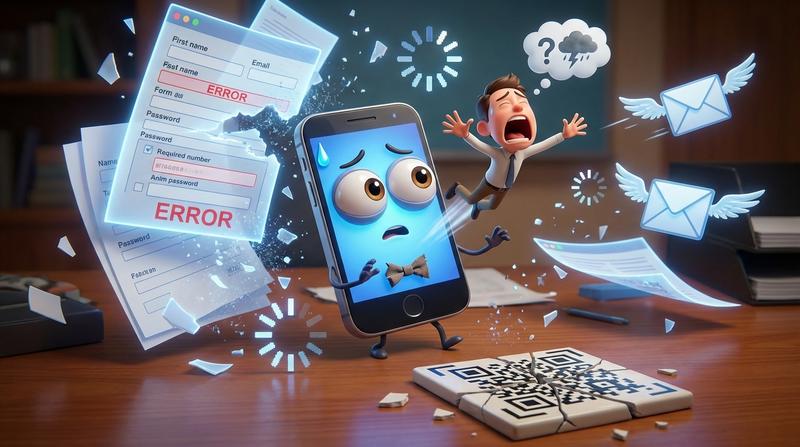
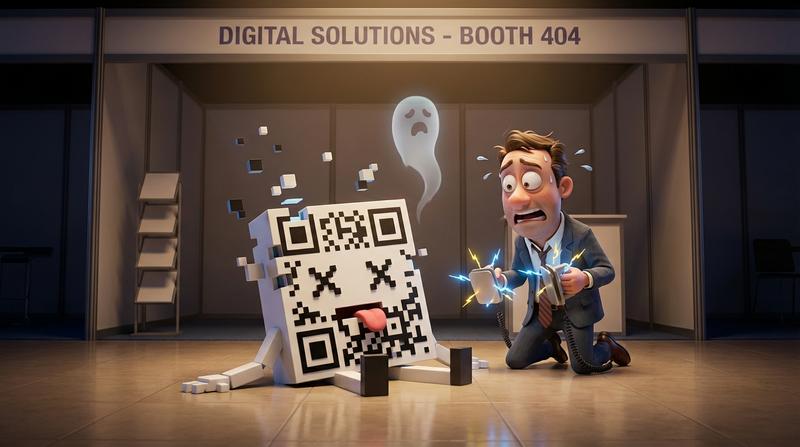
You didn't find out until three days after the conference ended. When someone finally mentioned that your QR code led to a 404 page. For the entire event.
Here's the deal: this scenario plays out at tradeshows, conferences, and retail locations every single day. And it's almost always preventable.
Why Offline-to-Online Conversion Is the Blind Spot in Event Marketing
Marketers obsess over digital metrics. Click-through rates. Email open rates. Social engagement. But the moment someone prints a QR code on physical materials, tracking often goes dark.
Consider the stakes. According to QR code usage statistics from QRCodeChimp, QR code scans across 50 countries increased by 57% recently - with projections showing another 22% growth by 2025. Over 100 million smartphone users in the United States alone will scan QR codes this year.
That's a massive opportunity. And a massive risk if your codes point to broken destinations.
The sunk cost problem is brutal:
- Printed materials can't be updated. Once those booth panels ship, you're locked in.
- Event details change constantly. Venues shift, times adjust, speakers cancel.
- Nobody tells you it's broken. Visitors just bounce. They don't file bug reports.
As Peter Drucker famously said, "What gets measured gets managed." But how do you measure something that happens in the gap between physical and digital?
The Anatomy of a Failed Print-to-Digital Handoff
Let's dissect what actually goes wrong. Because it's rarely just "the link broke."
Static URLs That Break When Events Change
You created a landing page three weeks before the event. The URL got embedded in the QR code. Then marketing updated the page structure. Or IT migrated to a new CMS. Or someone "cleaned up" old campaign pages.
The QR code doesn't know. It just keeps pointing to the original destination - which no longer exists.
Landing Pages That Weren't Designed for Mobile Scanning
Someone scans your code on their phone. They land on a page designed for desktop. The text is tiny. The buttons are impossible to tap. The form requires 12 fields.
They're gone in under 2 seconds.
The Timezone Disaster
Your conference is in Chicago. Someone scans from the West Coast. Your event time shows 2:00 PM - but is that Central? Pacific? The landing page doesn't specify. Or worse, it shows the wrong timezone entirely.
Confusion kills conversions.
Missing the 3-Second Window
Here's what most marketers don't realize: what happens after someone scans your QR code determines everything. You have roughly 3 seconds between scan and bounce.
That's not enough time for:
- A slow-loading page
- A confusing layout
- Multiple decision points
- Any friction whatsoever
Why Most QR Codes on Event Collateral Are Set Up to Fail
The root cause? Most QR codes get treated as afterthoughts.
Designing for the Printer, Not the Scanner
Designers focus on how the QR code looks in the layout. Is it the right size? Does it match the brand colors? Does it fit the composition?
But they rarely test:
- Scanning distance from various angles
- Low-light scanning conditions
- What actually loads on a mobile device
Forgetting That Print Is Permanent But Event Details Aren't
This is the fundamental tension. Print materials get finalized weeks before an event. But event details stay fluid until (and sometimes during) the event itself.
Static QR codes can't bridge this gap. They're frozen in time the moment the file goes to print.
The Ugly Truth About Generic URL Shorteners
"We'll just use a bit.ly link - then we can change the destination later!"
Sure. Except:
- Generic short links look spammy to security-conscious scanners
- Many URL shorteners have link rot issues over time
- You're trusting a third-party service with your campaign's success
- Tracking is basic at best
Bitly's own comparison of static vs dynamic QR codes notes that static codes store all information directly in the code itself - making them uneditable once created. Dynamic codes use short URLs that enable editing without reprinting.
| Approach | Editable After Print? | Reliable Tracking? | Professional Appearance? |
|---|---|---|---|
| Static QR to direct URL | ❌ No | ❌ No | ✅ Yes |
| Static QR to generic shortener | ⚠️ Limited | ⚠️ Basic | ❌ Looks spammy |
| Dynamic QR to smart landing page | ✅ Yes | ✅ Yes | ✅ Yes |
The Dynamic Landing Page Fix
Smart marketers decouple print from digital. They create a permanent "container" URL that can hold changing content.
But there's a catch: not all dynamic solutions are created equal.
Creating Scannable Experiences That Adapt
Your landing page needs to:
- Load instantly - under 2 seconds on mobile networks
- Detect context - timezone, device type, language preferences
- Present one clear action - not a buffet of options
- Update in real-time - without breaking the QR code
What Your Landing Page Needs to Do in Under 5 Seconds
- ✅ Confirm they're in the right place (event name, date)
- ✅ Show the value proposition (why should they care?)
- ✅ Offer one frictionless action (save to calendar, register, RSVP)
- ✅ Adapt to their timezone automatically
- ✅ Work perfectly on any mobile device
Mobile-First Isn't Optional
100% of QR code scans happen on mobile devices. Yet marketers still design landing pages on desktop monitors and hope they "work" on phones.
They don't. Not really.
Mobile-first means:
- Large tap targets (minimum 44x44 pixels)
- Minimal scrolling to reach the CTA
- No pinch-to-zoom required
- Forms with mobile-optimized input types
Bridging Physical and Digital Without the Panic
So how do you build print campaigns that survive last-minute changes?
Building Print Campaigns That Survive Change
The strategy is simple in concept:
- Create a permanent URL that will never change
- Connect it to a dynamic destination that can be updated anytime
- Use that permanent URL in your QR code
- Update the destination whenever event details change
The print stays the same. The digital adapts.
How Add to Calendar PRO Handles the Static-to-Dynamic Problem
This is exactly what Add to Calendar PRO was built for. You create a calendar event with all the details - date, time, location, description. The system generates a permanent URL and QR code.
When details change? You update the event in your dashboard. The URL stays the same. The QR code stays the same. But visitors see the updated information.
No reprints. No panic. No broken links.
Even better - your QR codes connect to living calendar events. When someone scans, they don't just land on a page. They can save the event directly to their Google Calendar, Outlook, Apple Calendar, or any other platform. With correct timezone handling. Automatically.
Real Use Cases
- Conference booths: Session times change? Update once, every printed flyer still works.
- Retail signage: Holiday store hours shift? No need to reprint in-store displays.
- Direct mail campaigns: Webinar date moves? Recipients still get the right information.
For a deeper look at implementation, check out how QR codes can drop events directly into calendars and the 86% attendance increase this approach delivers.
Measuring What Actually Happened After the Scan
Here's where things get interesting. With the right setup, you can finally prove your print spend worked.
Tracking Without Creepy Surveillance
You don't need invasive tracking to measure offline-to-online conversion. You need smart attribution:
- Scan counts - how many people engaged with each printed piece?
- Save rates - what percentage actually added the event to their calendar?
- Geographic data - which regions responded best?
- Device breakdown - iOS vs Android engagement patterns
None of this requires collecting personal information. It's aggregate data that proves campaign effectiveness.
The Metrics That Prove Print Worked
Methods for measuring print marketing ROI typically rely on coupon codes or unique landing pages. But calendar saves offer something better: a commitment signal.
When someone saves your event to their calendar, they're not just clicking. They're reserving time. They're saying "I intend to attend."
That's a fundamentally different metric than page views or link clicks.
Connecting Physical Touchpoints to Calendar Saves
The measurement framework looks like this:
| Metric | What It Tells You |
|---|---|
| Total scans | Raw reach of your print materials |
| Scan-to-save rate | Conversion efficiency of your landing page |
| Calendar platform breakdown | Where your audience lives digitally |
| Geographic distribution | Which markets engaged most |
| Time-to-save | How quickly people commit after scanning |
For comprehensive guidance on bridging physical touchpoints to calendar commitments, including placement, sizing, and CTA best practices - that resource covers it all.
Your Next Print Run Deserves a Smarter Handoff
As marketing legend David Ogilvy once said, "Never stop testing, and your advertising will never stop improving."
The same applies to your print-to-digital strategy. Stop treating QR codes as afterthoughts - static images dropped into designs at the last minute.
Start treating them as:
- Dynamic connections between physical and digital experiences
- Measurement tools that prove offline marketing ROI
- Living links that adapt when (not if) details change
- Commitment devices that turn scanners into attendees
Your tradeshow booth cost thousands. Your conference materials represent weeks of planning. Your direct mail campaign targets your best prospects.
Don't let a broken QR code waste all of that effort.
The technology exists to make print campaigns resilient, measurable, and adaptable. Add to Calendar PRO gives you dynamic QR codes that connect to living calendar events - with real-time updates, timezone handling, and conversion tracking built in.
Your next print run deserves better than a static link and crossed fingers. 🤞
Ready to make your print materials smarter? Set up dynamic calendar QR codes that survive last-minute changes - and finally measure what happens after the scan.