
Getting your event noticed is only half the battle. The real challenge is ensuring it actually lands on your audience's calendar. Manually creating event files for different calendar apps is a recipe for errors, time zone mix-ups, and ultimately, low attendance. This is precisely the problem an add to calendar link generator solves, making it an indispensable tool for marketers, event organizers, and developers.
These platforms streamline the entire process. They generate a single, universal link that works flawlessly across Google Calendar, Outlook, Apple Calendar, and others. This simple action dramatically boosts attendance rates by making it effortless for users to save your event date. It also enhances professionalism and can provide valuable engagement analytics.
This comprehensive guide will explore the 12 best add to calendar link generator tools available, from simple free utilities to powerful, feature-rich event marketing platforms. We will dive deep into their specific features, provide screenshots, analyze ideal use cases, and highlight potential limitations. Our goal is to equip you with the insights needed to select the perfect solution to maximize your event's reach and impact.
1. Add to Calendar PRO
Add to Calendar PRO distinguishes itself as a premier, full-featured event marketing platform, moving far beyond a simple link generator. It provides a robust, developer-friendly, and marketer-centric solution designed for creating seamless event experiences. The platform excels at generating reliable, lightweight "Add to Calendar" buttons and RSVP forms that integrate flawlessly into any website, email campaign, or web application, ensuring attendees can save event details with a single click.
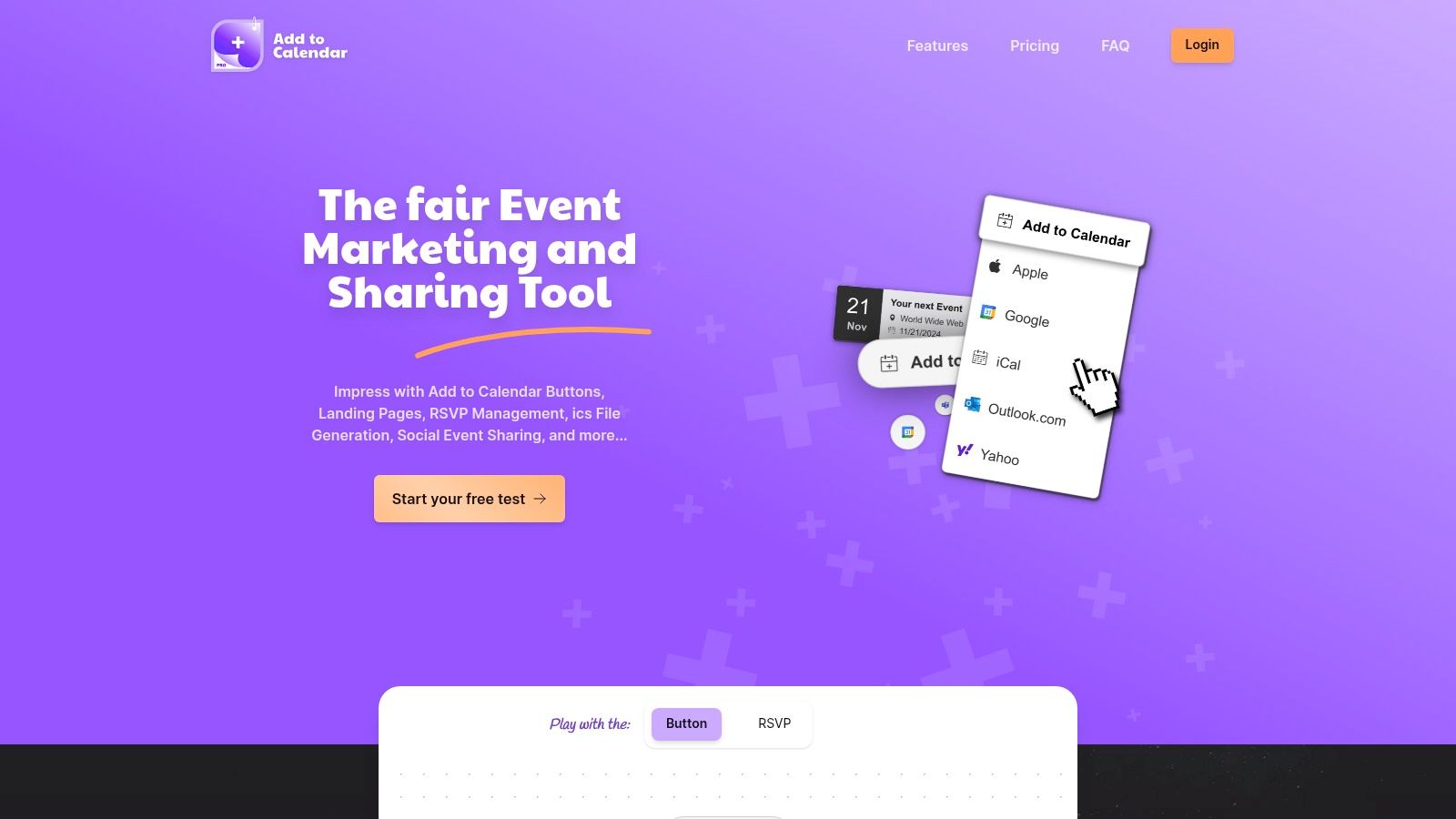
What makes this tool a standout choice is its comprehensive feature set that addresses the entire event lifecycle. Beyond just being an add to calendar link generator, it automatically creates SEO-optimized event landing pages enriched with Schema.org structured data. This significantly boosts your event's visibility in search engine results and enhances how it appears when shared on social media.
Key Strengths and Use Cases
- Advanced RSVP Management: The platform offers sophisticated, GDPR-compliant RSVP forms with double opt-in functionality. Marketers can use the no-code form builder to add custom fields, gathering crucial attendee information without writing a single line of code. This is ideal for webinars, corporate conferences, and exclusive workshops where attendee data is vital for planning and follow-up.
- Developer-Focused Flexibility: For technical teams, Add to Calendar PRO provides extensive integration capabilities. It supports all modern frontend frameworks and offers a powerful API, webhooks, and native connections with automation tools like Zapier, n8n, and Make. This allows for deep, custom workflows, such as automatically adding registered attendees to a CRM or sending personalized follow-up sequences. Developers seeking to implement complex event logic can find detailed guidance in their API integration best practices.
- Transparent and Scalable Pricing: The service operates on a clear pricing model with multiple tiers, including a generous 7-day free trial that doesn't require a credit card. This transparency makes it accessible for everyone from independent wedding planners to large enterprises, ensuring you only pay for the features and volume you need without worrying about hidden costs.
Website: https://add-to-calendar-pro.com
2. CalendarLink
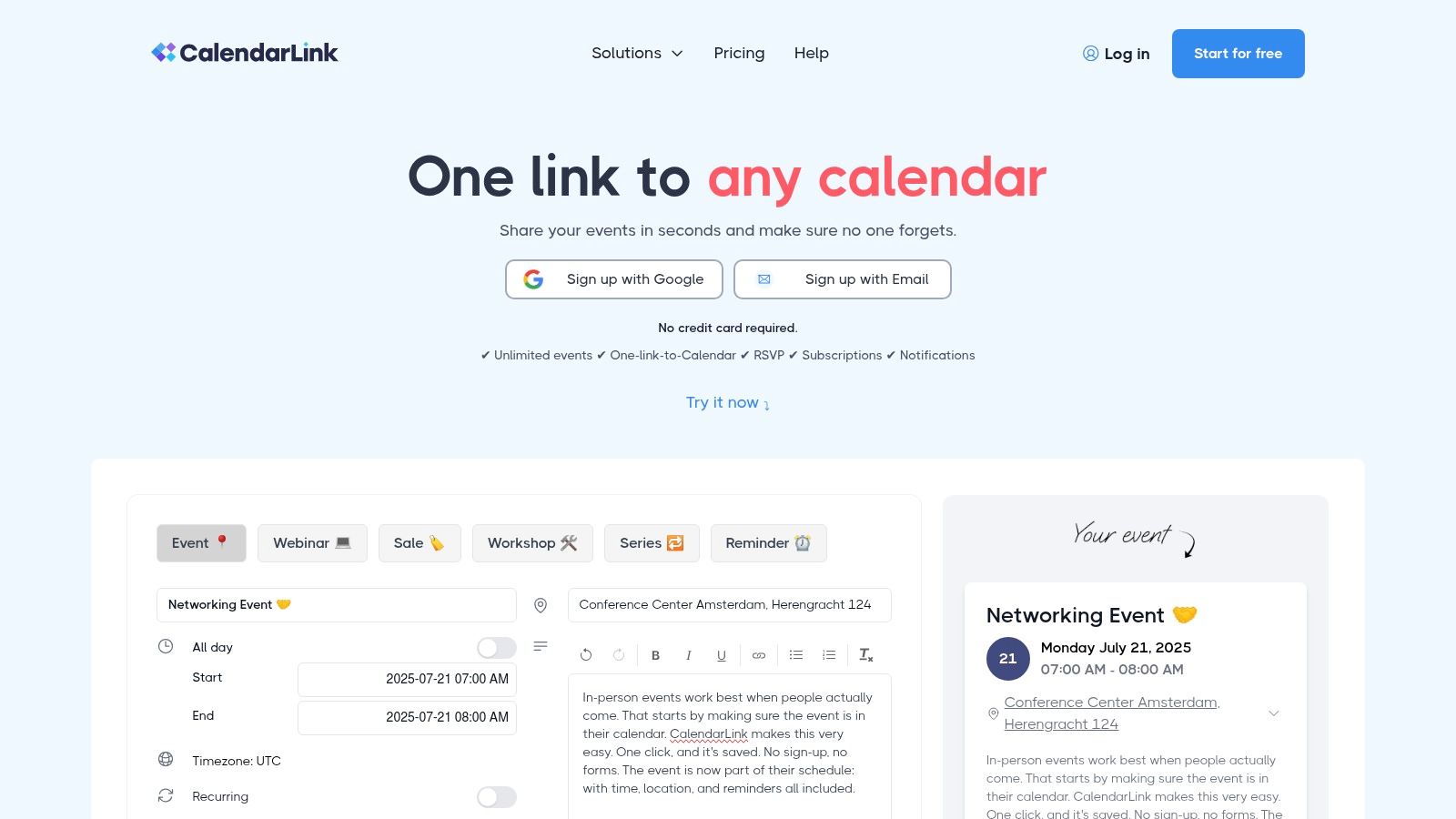
CalendarLink stands out as a comprehensive add to calendar link generator that moves beyond basic link creation into event management. It’s an ideal solution for marketers and business owners who need not only to provide a simple way for attendees to save an event but also to track engagement and manage communications. The platform supports all major calendar services, including Google, Apple, Outlook, and Yahoo, ensuring universal compatibility.
Its strength lies in its blend of simplicity and advanced functionality. While you can quickly generate a link for a one-off webinar, CalendarLink also offers powerful features like RSVP tracking and automated event reminders. This makes it a robust tool for managing recurring events or complex marketing campaigns where attendee engagement is crucial.
Key Features & User Experience
The user interface is notably clean and intuitive, making event setup a breeze even for non-technical users. The free plan is quite generous, offering unlimited event creation without requiring a credit card, which is perfect for small-scale use or for testing the platform's core capabilities.
- Best For: Small business owners, marketers, and conference organizers needing integrated RSVP and reminder features.
- Pricing: Offers a free plan with unlimited events. Paid plans unlock advanced features like detailed analytics, customization, and calendar subscriptions.
- Limitation: The free version has limited customization options, so branding the "add to calendar" experience requires a paid subscription.
Website: https://calendarlink.com/
3. CalGet
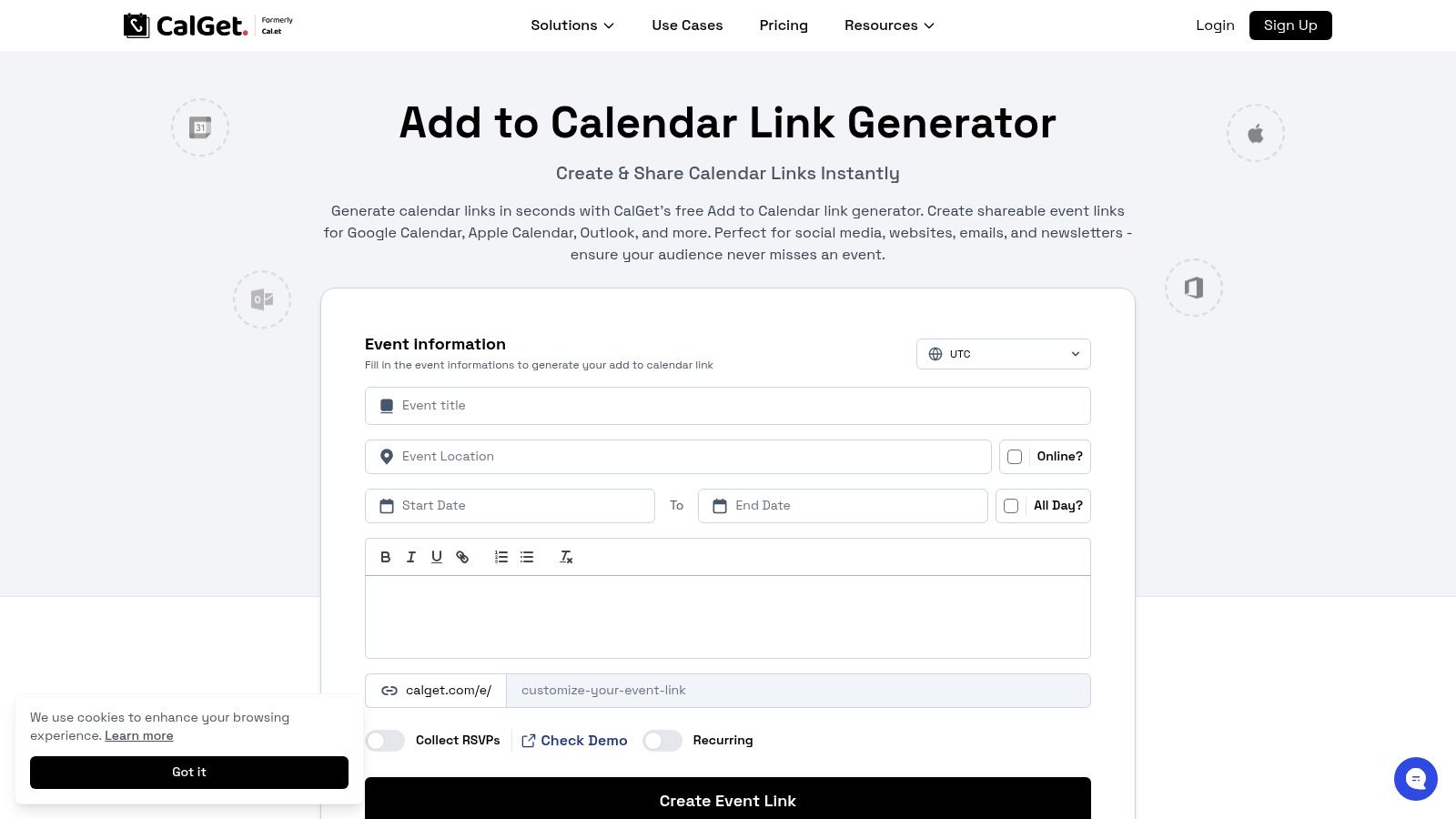
CalGet positions itself as a powerful yet accessible add to calendar link generator designed for users who need more than just a basic link. It supports universal calendar platforms like Google, Apple, and Outlook, making it a versatile choice. The platform excels by offering advanced features like recurring event support and time zone conversion directly within its free offering, which is a significant advantage for organizing international webinars or recurring series.
Its unique value proposition is the combination of robust features with user-friendly execution. You can instantly generate not only a link but also a QR code for your event, which is perfect for physical marketing materials. While the free version is quite capable, the platform also provides a clear upgrade path for those needing deeper analytics and custom branding to match their company’s look and feel.
Key Features & User Experience
The interface is straightforward, allowing for rapid event creation without a steep learning curve. The inclusion of an analytics dashboard, even in a limited capacity for free users, provides valuable insight into how many people are adding an event to their calendar. This makes CalGet a great starting point for data-driven event promotion.
- Best For: Marketers and event organizers who need recurring event support and QR codes without an initial financial commitment.
- Pricing: A free plan is available with a limit of 50 calendar adds. Premium plans unlock higher limits, advanced analytics, and custom branding.
- Limitation: The free plan's cap of 50 calendar additions might be too restrictive for larger events or wider marketing campaigns.
Website: https://calget.com/add-to-calendar-link-generator
4. Calendar Link Generator
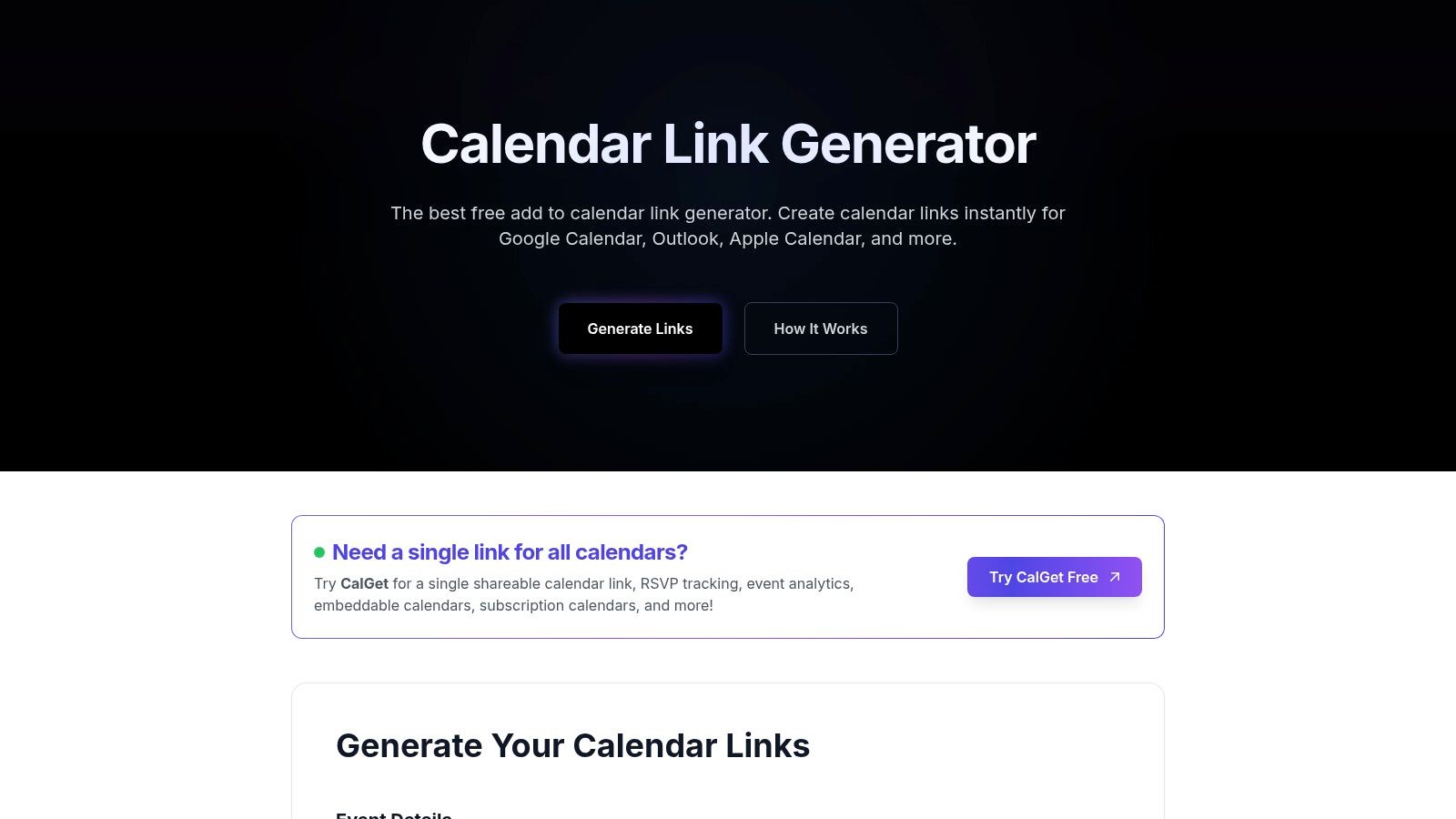
For those who prioritize speed, privacy, and simplicity above all else, Calendar Link Generator is the quintessential add to calendar link generator. This tool stands out for its no-frills, instant-use approach. It allows anyone to create universal "add to calendar" links for Google, Apple, and Outlook without requiring any sign-up or storing any event data on its servers. This makes it a fantastic choice for one-off events or for users who are concerned about data privacy.
The platform is designed to be as straightforward as possible: you fill out a simple form with your event details and it immediately generates the links you need. Its core value proposition is removing every possible barrier, offering a truly frictionless way to get a functional event link. While it lacks the advanced features of more complex platforms, its directness is its greatest strength, ensuring you can have a working link in under a minute.
Key Features & User Experience
The user experience is incredibly simple, with a single-page interface where all fields are clearly laid out. There's no learning curve, making it perfect for non-technical users or quick, last-minute needs. If you need a deeper understanding of how these buttons work from a technical perspective, you can learn more about implementing a working add to calendar button.
- Best For: Individuals and businesses needing a quick, private, and free solution for single events without the need for analytics or RSVP tracking.
- Pricing: Completely free to use with no hidden costs or registration requirements.
- Limitation: The tool does not support recurring events, analytics, or any form of customization, focusing solely on basic link generation.
Website: https://calendarlinkgenerator.com/
5. OneCal
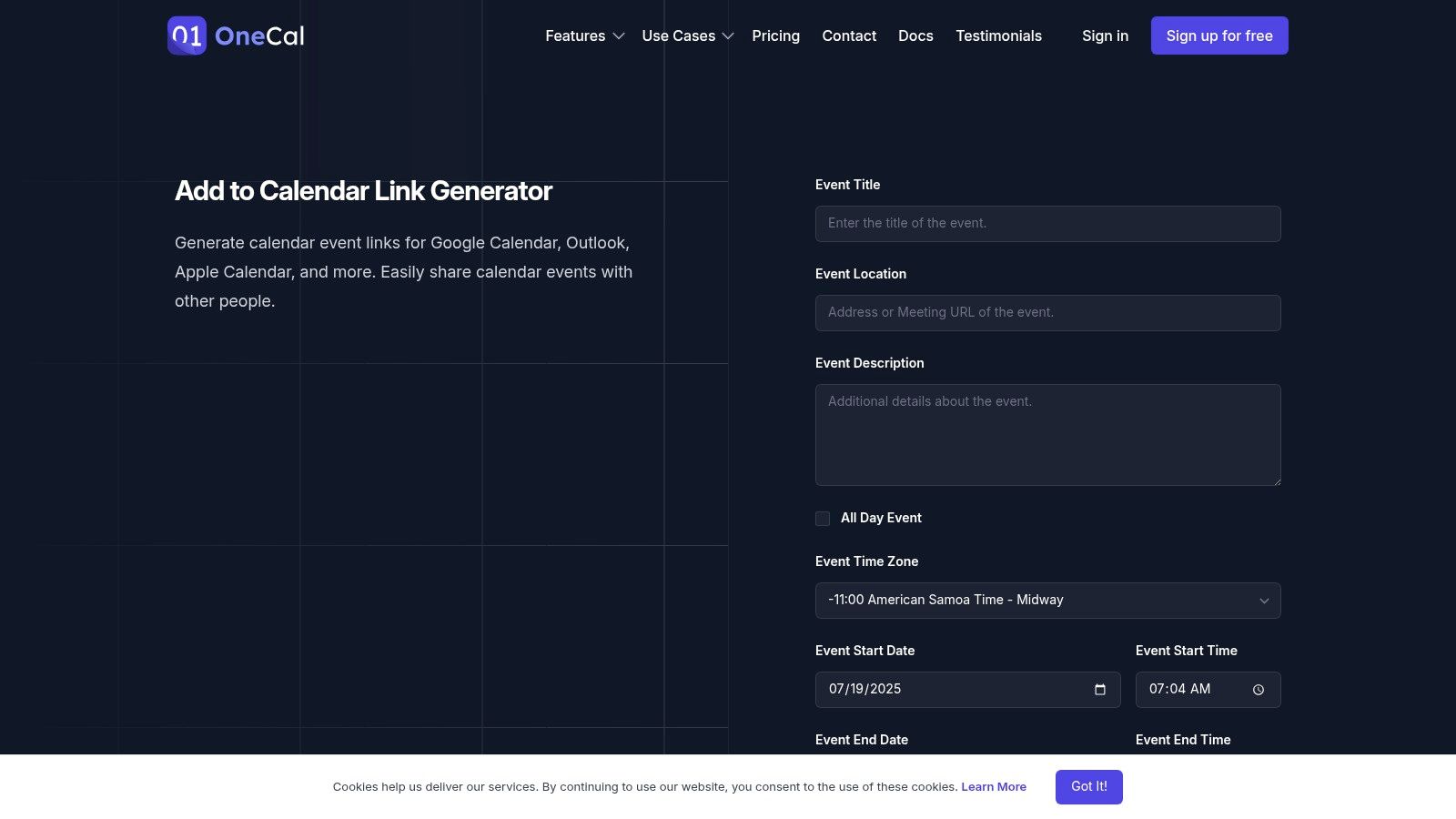
OneCal offers a refreshingly simple and privacy-conscious add to calendar link generator for users who need a quick, no-fuss solution. It is designed for speed and efficiency, allowing you to create event links for Google Calendar, Outlook, and Apple Calendar without ever needing to sign up or provide personal information. This makes it a go-to tool for one-off events or for developers who need to quickly generate a link without any platform overhead.
Its primary appeal is its commitment to user privacy; the tool does not store your event data, which is a significant differentiator in the market. If you need a straightforward link generator that respects privacy and requires zero commitment, OneCal is an excellent choice. It’s perfect for adding a simple calendar link to an email signature or a small community event announcement.
Key Features & User Experience
The interface is minimalist and highly intuitive, with all necessary fields presented clearly on a single page. You simply fill in the event details, and the tool instantly provides individual links for each calendar service and an option to download a universal ICS file. The entire process takes less than a minute.
- Best For: Individuals, developers, and small organizations prioritizing speed, simplicity, and data privacy for one-time events.
- Pricing: Completely free to use. There are no paid plans or hidden features, as it's offered as a free utility.
- Limitation: The tool lacks advanced features such as RSVP tracking, event analytics, or link customization, making it unsuitable for marketing campaigns or large-scale event management.
Website: https://www.onecal.io/tools/add-to-calendar-link-generator
6. DaySchedule
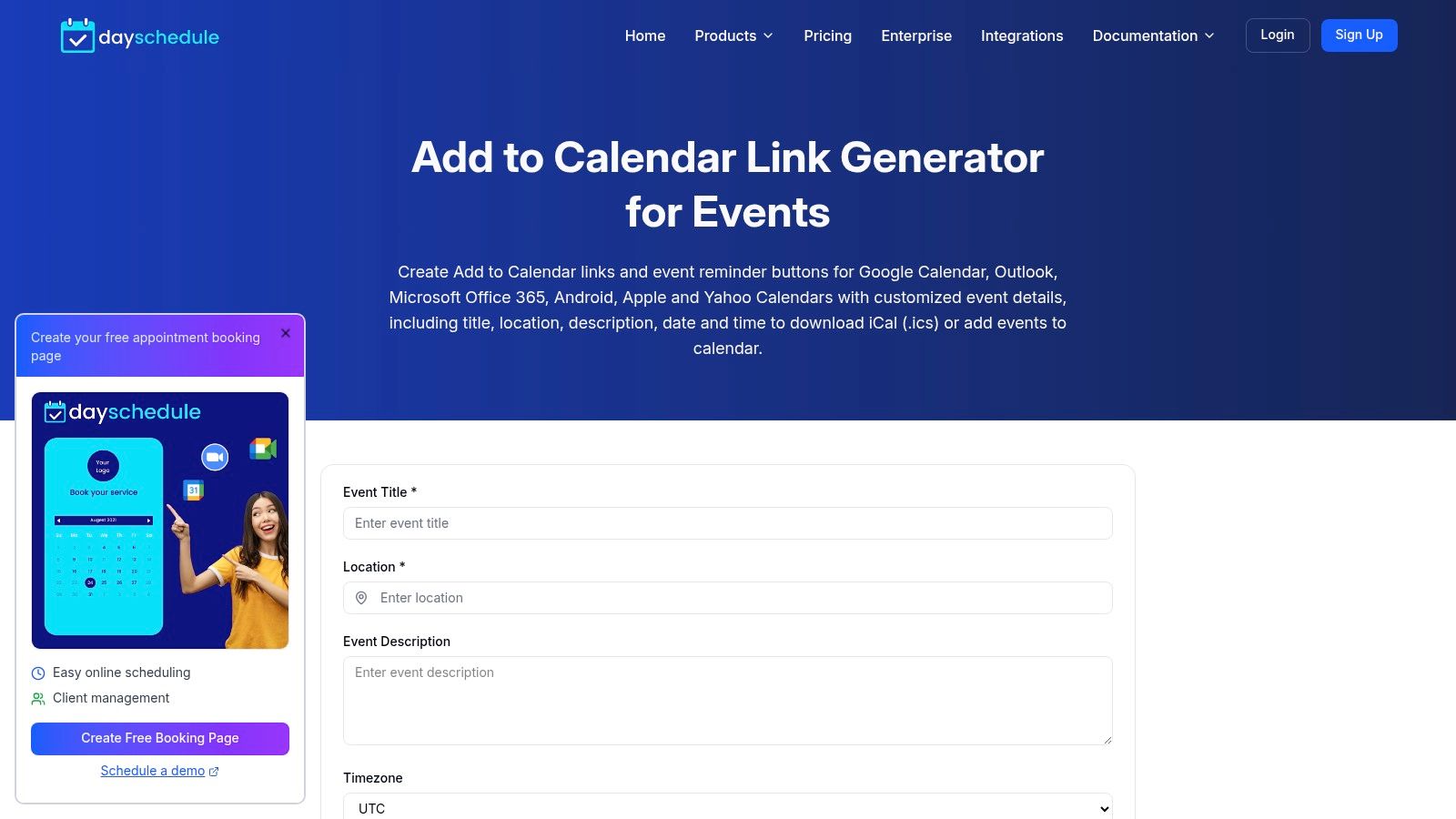
DaySchedule provides a refreshingly straightforward and privacy-conscious add to calendar link generator for users who need a no-frills solution. Its primary appeal is its simplicity and the fact that it requires absolutely no sign-up or data storage. This makes it a perfect tool for individuals or developers who want to quickly create event links for websites, emails, or social media posts without committing to a platform or worrying about user data. It supports Google Calendar, Outlook, and Apple Calendar, covering the essential bases for broad compatibility.
The platform is designed for pure utility. You input your event details, and it instantly generates the necessary links and even an ICS file for direct download. There are no advanced marketing features like analytics or RSVP tracking, which is a deliberate choice to maintain its focus on speed, ease of use, and privacy. It's the digital equivalent of a simple, reliable tool that does one job and does it well.
Key Features & User Experience
The user experience is incredibly direct. The interface consists of a single form where you enter your event title, date, time, and description, and the links are generated immediately. This zero-barrier-to-entry approach is its most significant advantage for one-off events or quick integrations where a full-featured service would be overkill.
- Best For: Developers, bloggers, and individuals needing a quick, free, and private way to generate calendar links without registration.
- Pricing: Completely free to use. There are no paid plans or hidden costs associated with the link generator tool.
- Limitation: The tool offers no advanced features. It lacks analytics, RSVP tracking, automated reminders, and customization options, making it unsuitable for marketing campaigns.
Website: https://dayschedule.com/tools/event-link-generator/
7. Appointo
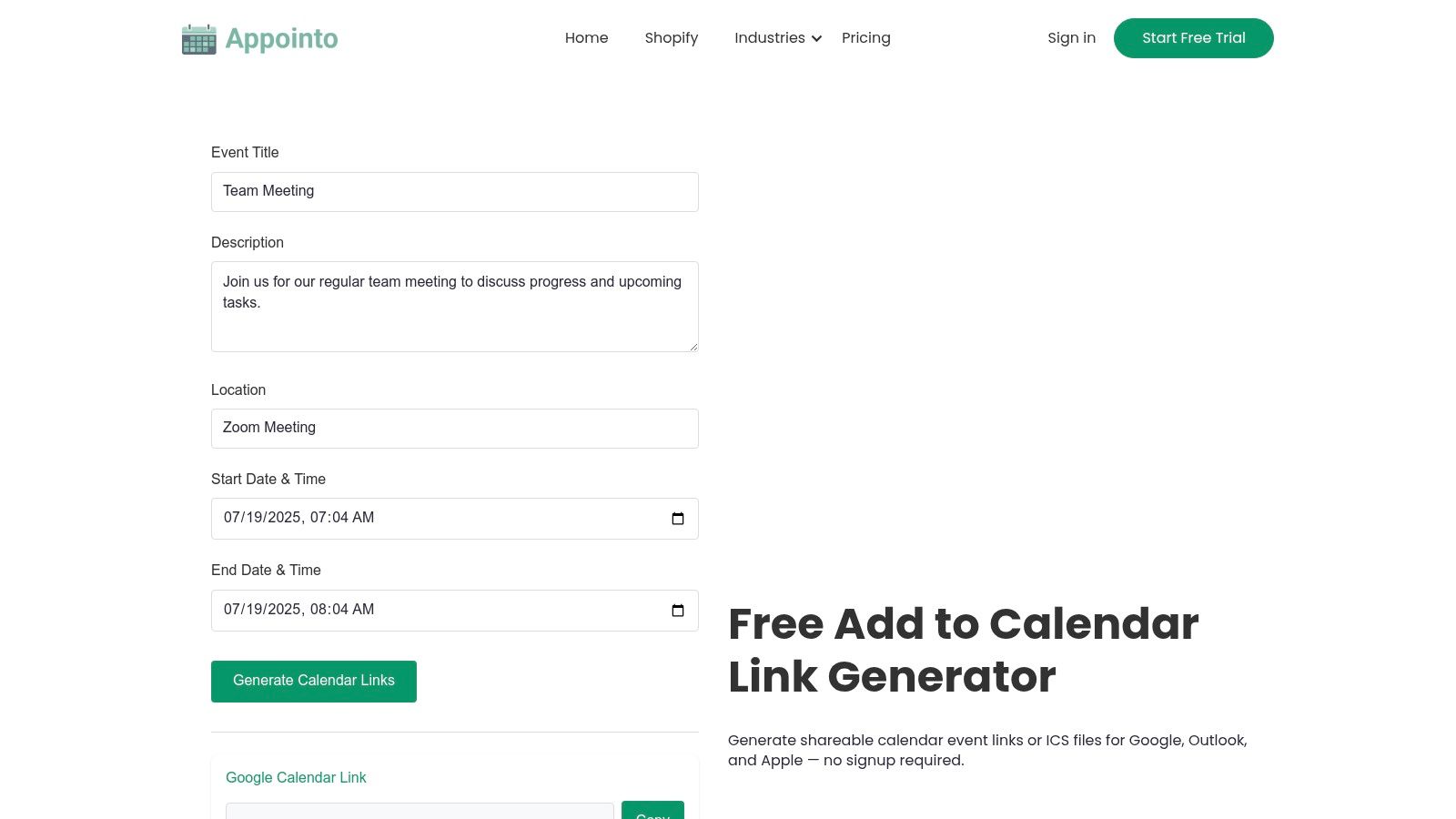
Appointo offers a straightforward and completely free add to calendar link generator designed for speed and simplicity. It’s the perfect tool for users who need to create an event link quickly without any registration, data tracking, or complex setup. The platform supports all essential calendar services, including Google, Yahoo, Outlook, and Apple, ensuring your audience can save the date regardless of their preferred application.
Its primary appeal is its no-frills, privacy-first approach. You simply fill in the event details, and the tool instantly generates shareable links and an option to download the .ics file directly. This makes it an excellent choice for one-off events, personal use, or situations where you need to provide a calendar link without committing to a paid service or creating an account.
Key Features & User Experience
The user experience is incredibly clean and efficient; the entire process happens on a single, well-organized page. Because Appointo doesn't store any of the event data you enter, it's a trustworthy option for those concerned with privacy. It strips away all advanced features to focus on one task: generating a calendar link as fast as possible.
- Best For: Individuals, small businesses, or developers needing a quick, one-time link without sign-ups or advanced analytics.
- Pricing: Completely free to use with no hidden costs or premium tiers.
- Limitation: The tool is very basic and lacks features for managing recurring events, tracking RSVPs, or customizing the event landing page.
Website: https://www.appointo.me/tools/add-to-calendar-link-generator
8. Customer.io
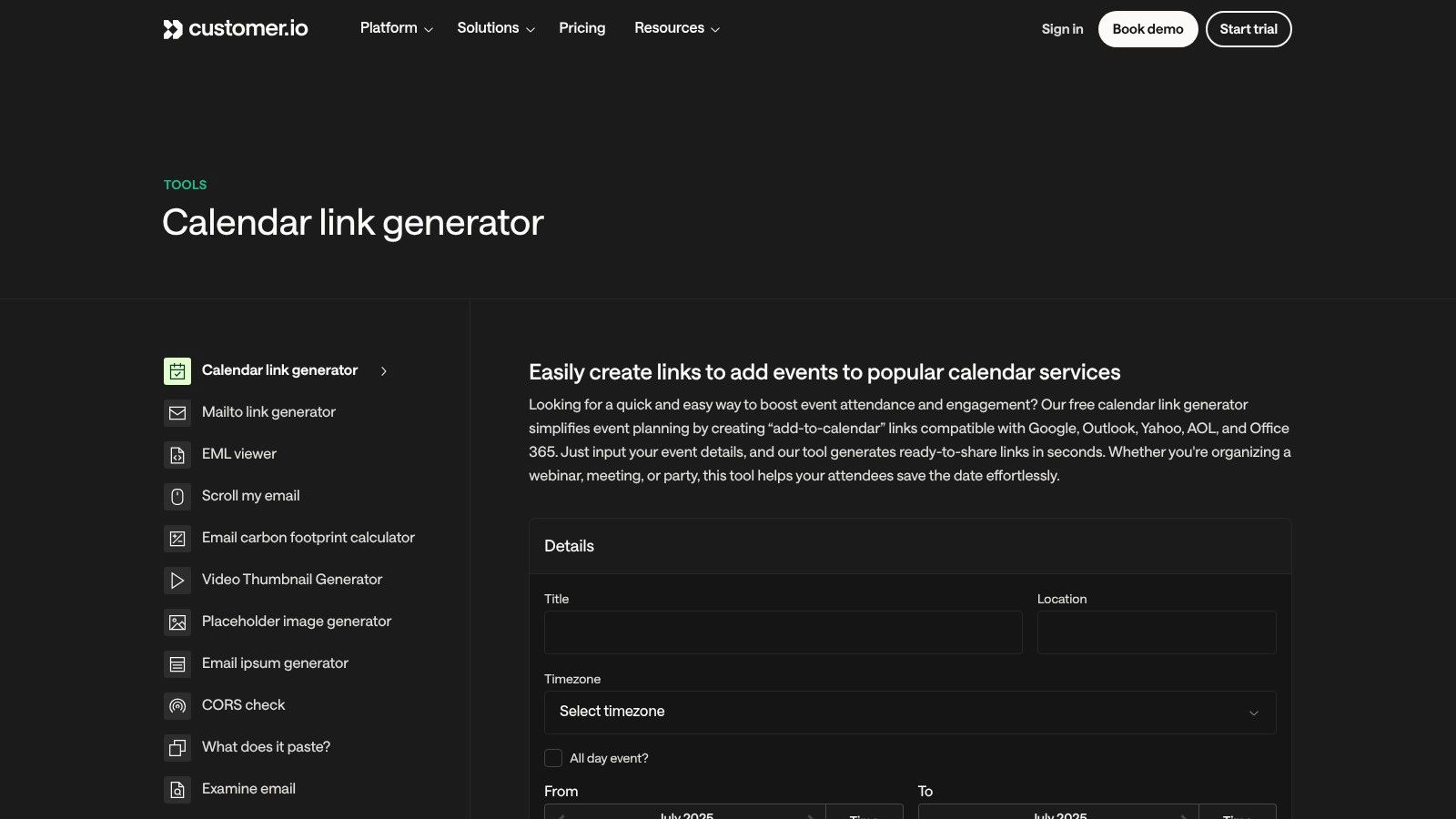
Customer.io, a platform known for its marketing automation tools, offers a free and straightforward add to calendar link generator perfect for quick, no-fuss event links. It’s an ideal choice for anyone needing a one-time link without the commitment of signing up for a service. The tool emphasizes speed and privacy, generating a shareable link instantly while promising not to store any of your event data.
The generator supports all the essential calendar services, including Google, Outlook, Yahoo, AOL, and Office 365, ensuring your audience can add events regardless of their preferred platform. Its primary appeal lies in its simplicity; you fill out a form, generate the link, and you're done. This makes it a go-to resource for individual users or marketers who need a quick utility for a simple webinar or meeting announcement and don't require advanced tracking capabilities.
Key Features & User Experience
The interface is exceptionally clean and user-friendly, presenting a single form to input event details. There are no distractions or upsells, making the experience fast and efficient. While this tool excels at creating simple event links, it does not include features for tracking attendance. If you need to manage RSVPs alongside your calendar links, you may need a more specialized solution. You can learn more about creating RSVP links to supplement this functionality.
- Best For: Users who need a fast, free, and private way to generate a single event link without registration or complex features.
- Pricing: Completely free to use with no hidden costs or sign-up requirements.
- Limitation: It offers no advanced features such as RSVP tracking, analytics, or event management, making it unsuitable for complex event campaigns.
Website: https://customer.io/tools/calendar-link-generator/
9. CalendarLinkGenerator.com
CalendarLinkGenerator.com is a purely functional and privacy-first add to calendar link generator designed for speed and simplicity. It distinguishes itself by offering instant link creation without requiring any user registration or data storage, making it the perfect choice for users who need a quick, no-frills solution for one-off events. The platform supports all essential calendar services, including Google, Outlook, Apple, and Yahoo.
This tool strips away all complexity, focusing entirely on its core function: generating a universal link from your event details. There are no dashboards, analytics, or RSVP features. It is built for those who prioritize efficiency and privacy over advanced event management capabilities, serving as an excellent utility for adding calendar links to personal websites, newsletters, or simple event announcements without any strings attached.
Key Features & User Experience
The interface is as straightforward as it gets; a single form on the homepage lets you input event details and immediately receive your links. This zero-barrier-to-entry approach is its greatest strength, allowing anyone to generate a functional calendar link in seconds without navigating complex menus or signing up for an account.
- Best For: Individuals, developers, or small organizations needing a quick, free, and private way to create calendar links without tracking.
- Pricing: Completely free to use. There are no paid plans or hidden features.
- Limitation: It offers no advanced features like event management, analytics, RSVP tracking, or customization options.
Website: https://www.calendarlinkgenerator.com/
10. AddEvent
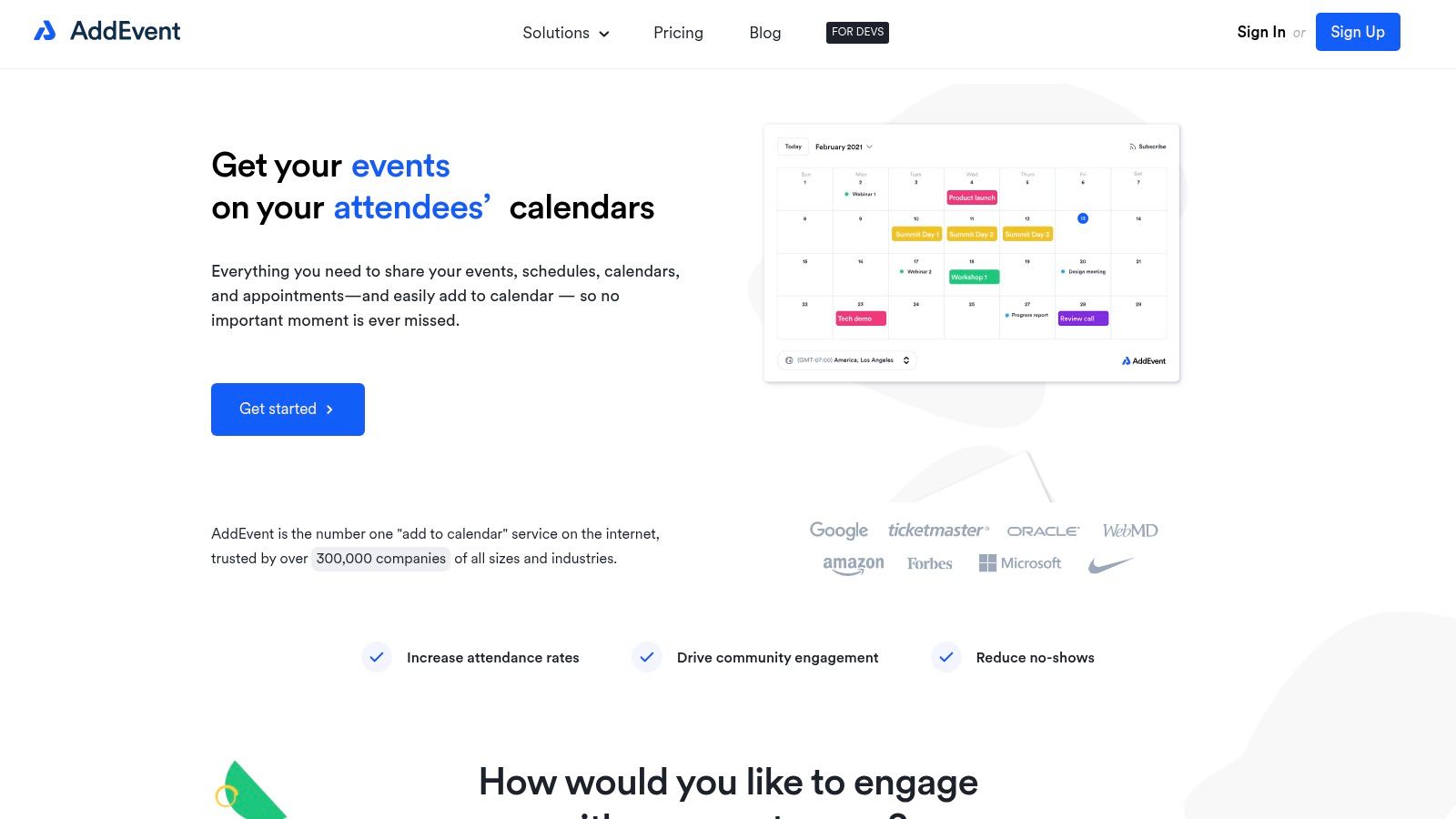
AddEvent is a highly popular and robust add to calendar link generator known for its powerful features and user-friendly interface. It provides a comprehensive suite of tools for creating, sharing, and managing events, making it a go-to choice for businesses that rely on high event attendance. The platform allows you to create shareable "add to calendar" links, embeddable buttons, and even entire calendars for your website or email campaigns, ensuring maximum visibility and engagement.
The platform excels at providing detailed analytics and tracking, allowing you to see exactly how many people have added your event to their calendars. This data is invaluable for marketers looking to measure the effectiveness of their promotional efforts. AddEvent supports all major calendar services and offers extensive customization options, including support for recurring events, making it a versatile tool for any event-based strategy.
Key Features & User Experience
AddEvent’s dashboard is clean and intuitive, simplifying the process of creating and managing multiple events. The platform's real strength lies in its scalability, serving everyone from individuals planning a single event to large enterprises managing complex event schedules. The ability to handle recurring events seamlessly is a significant advantage over more basic tools.
- Best For: Marketers, corporate event organizers, and developers who need a feature-rich, reliable solution with detailed analytics.
- Pricing: A free plan is available for basic use. Paid subscriptions unlock advanced features like RSVP tracking, customization, and higher usage limits.
- Limitation: While powerful, many of the most valuable features, such as deep analytics and branding removal, are locked behind a paid subscription.
Website: https://www.addevent.com/
11. Eventable
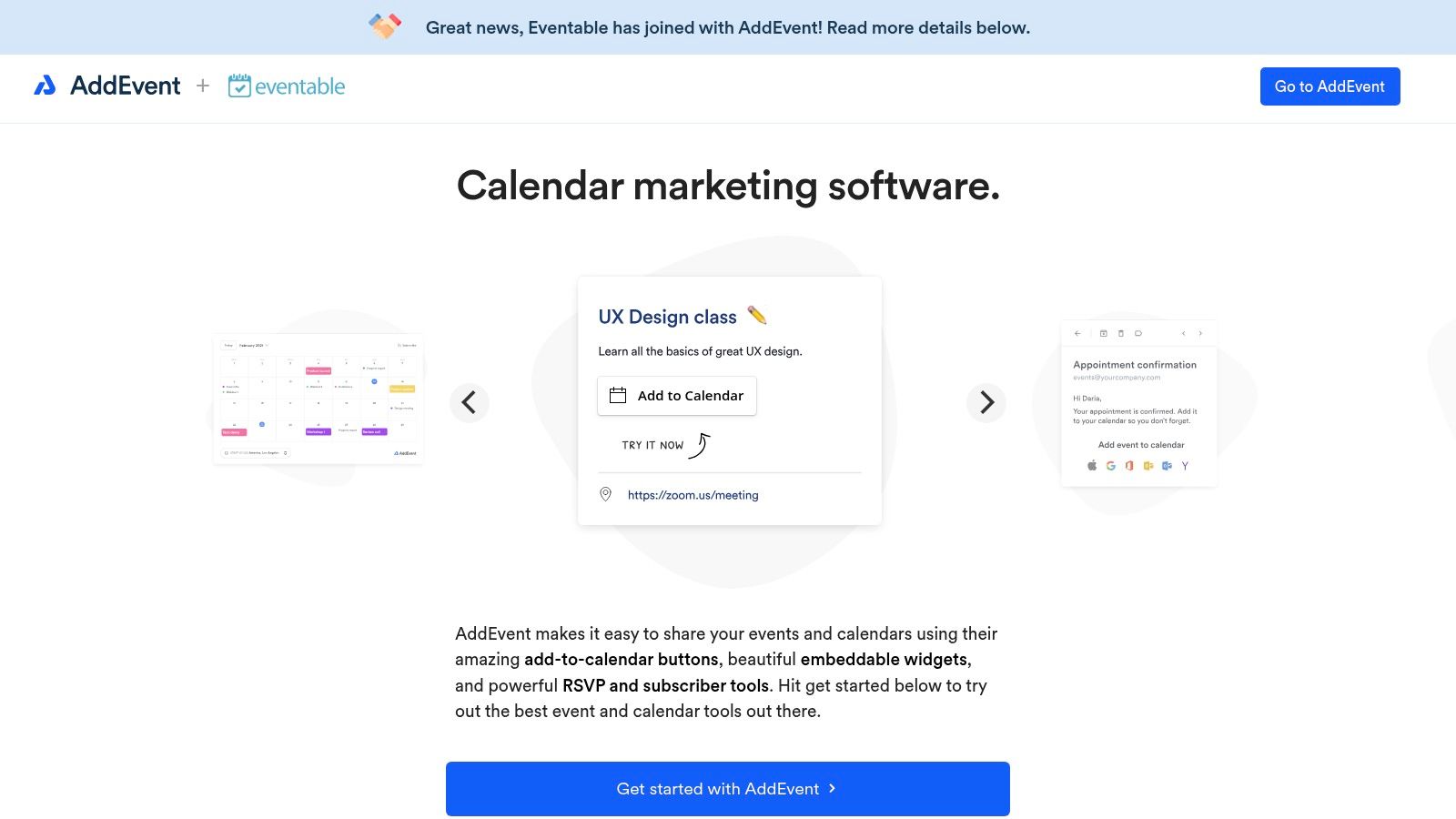
Eventable is a powerful add to calendar link generator designed for marketers who need deep insights into their event promotions. It goes beyond simple link creation by offering a suite of marketing tools like event analytics, audience segmentation, and automated reminders. This makes it a strategic choice for businesses looking to optimize their event funnels and understand attendee behavior, supporting all major calendar platforms for maximum reach.
The platform excels at integrating calendar marketing directly into existing workflows. With integrations for major email and marketing automation platforms, Eventable allows users to seamlessly add dynamic calendar links to their campaigns. This transforms a simple "add to calendar" button into a measurable touchpoint for tracking engagement and driving attendance.
Key Features & User Experience
Eventable’s interface is clean and user-friendly, guiding you through the creation process while exposing its more advanced features logically. The ability to segment audiences and send targeted reminders is a significant advantage for complex event series or webinars aimed at different customer personas. The analytics dashboard provides valuable data on who is adding events to their calendars, which is crucial for measuring ROI.
- Best For: Marketing teams and event managers who need to track engagement, segment audiences, and integrate calendar functionality into their marketing stack.
- Pricing: Offers a free plan for basic use. Paid plans are required to access advanced analytics, segmentation, and platform integrations.
- Limitation: The free version is quite limited in its marketing features and customization, making an upgrade necessary for any serious campaign tracking.
Website: https://www.eventable.com/
12. Time.ly
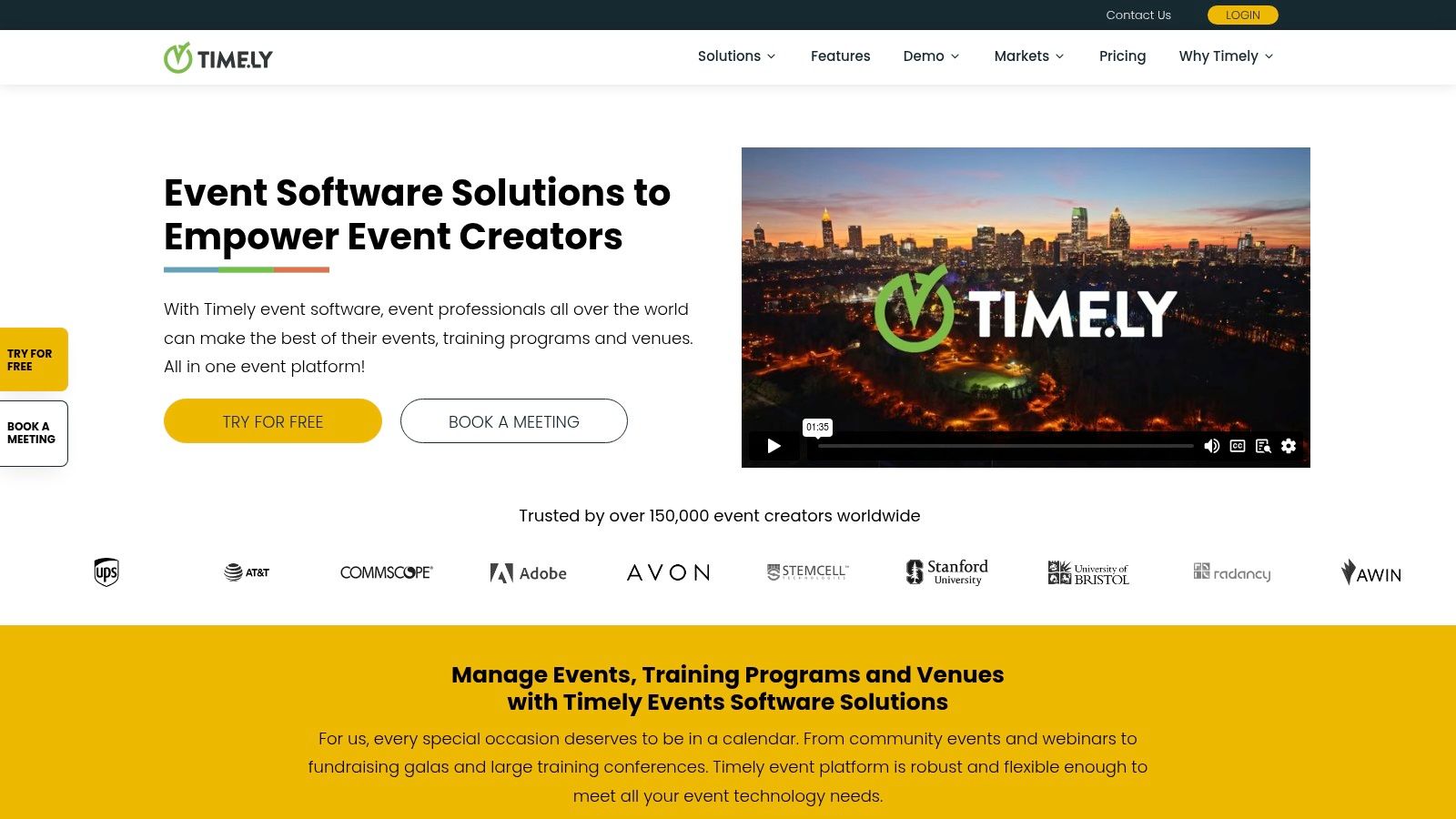
Time.ly positions itself as more than just an add to calendar link generator; it is a full-fledged event management and marketing suite. This platform is designed for users who need to not only share event details but also promote, sell tickets, and display events beautifully on their own websites. It supports all major calendar services, making it a versatile tool for reaching a broad audience.
The platform's core strength is its all-in-one approach. You can generate a simple "add to calendar" button, but you can also leverage its powerful embeddable calendar widgets, ticketing integrations, and event promotion tools. This makes Time.ly a robust solution for businesses and organizations that treat events as a central part of their marketing or operational strategy, such as venues, schools, or community groups.
Key Features & User Experience
Time.ly offers a comprehensive dashboard that, while packed with features, maintains a user-friendly interface. Setting up recurring events is straightforward, and the embeddable calendars are highly customizable with a paid plan. The "add to calendar" function is a key feature within its broader event management ecosystem, seamlessly integrating into its other offerings.
- Best For: Event-heavy businesses, community organizers, and venues needing a complete event management system with ticketing and promotional tools.
- Pricing: Offers various plans, including a free version. Advanced features like ticketing, customized calendar views, and in-depth promotion require a paid subscription.
- Limitation: The free version has notable limitations on customization and advanced features, making it more of a trial than a long-term solution for professional use.
Website: https://time.ly/
Top 12 Add to Calendar Link Generators Comparison
| Product | Core Features/Characteristics | User Experience/Quality ★ | Value Proposition 💰 | Target Audience 👥 | Unique Selling Points ✨ |
|---|---|---|---|---|---|
| Add to Calendar PRO 🏆 | Lightweight customizable buttons, RSVP mgmt, SEO-optimized pages | ★★★★★ | Transparent pricing, free trial 💰💰 | Marketers, event organizers, devs | No-code customization, GDPR double opt-in, APIs/webhooks ✨ |
| CalendarLink | Unlimited events, RSVP tracking, subscription options | ★★★★ | Free plan available 💰 | General users, event managers | Seamless tool integration, universal calendar support |
| CalGet | Recurring events, timezone conversion, analytics, branding | ★★★★ | Free with premium options 💰 | Users wanting enhanced links | Analytics dashboard, custom branding |
| Calendar Link Generator | Privacy-focused, no data storage, instant link generation | ★★★ | Completely free 💰 | Privacy-conscious users | No sign-up, simple & fast link creation |
| OneCal | Multi-calendar support, ICS download, no sign-up | ★★★ | Free 💰 | Fast & simple link users | Privacy-focused, easy ICS downloads |
| DaySchedule | Customizable event details, ICS download, no sign-up | ★★★ | Free 💰 | Users seeking quick event links | No data storage, privacy focused |
| Appointo | Multi-calendar support, instant link, ICS download | ★★★ | Completely free 💰 | Privacy & simplicity focused users | No registration, privacy-first |
| Customer.io | Multi-calendar support, instant sharing, no sign-up | ★★★ | Free 💰 | Users wanting easy calendar links | Privacy & no data storage |
| CalendarLinkGenerator.com | Instant link gen, privacy focused, no sign-up | ★★★ | Free 💰 | Simple calendar link needs | No data storage, easy sharing |
| AddEvent | Event tracking, analytics, recurring events, embeddable buttons | ★★★★ | Free + paid plans 💰 | Power users, marketers | Rich features, embeddable calendar buttons |
| Eventable | Event analytics, audience segmentation, reminders | ★★★★ | Free + paid plans 💰 | Marketers, advanced users | Audience segmentation, marketing platform integrations |
| Time.ly | Event promo tools, ticketing integration, widgets | ★★★★ | Free + paid plans 💰 | Event managers, ticket sellers | Ticketing integration, embeddable widgets |
Choosing the Right Generator for Your Goals
Navigating the landscape of "add to calendar link generator" tools can feel overwhelming, but as we've explored, the best choice boils down to a clear understanding of your specific objectives. The right tool isn't just about creating a link; it's about optimizing your entire event communication strategy to boost attendance and engagement.
Your journey began by looking for a way to get your event onto someone's calendar. Now, you should be equipped to select a solution that aligns perfectly with your scale, technical needs, and long-term ambitions.
Recapping Your Options: From Simple to Strategic
We've covered a wide array of solutions, each with distinct strengths.
- For Instant, No-Frills Links: If you need a quick, one-off link for a personal meeting or a small, informal gathering, tools like OneCal and CalendarLinkGenerator.com are ideal. They offer speed and simplicity without requiring sign-ups or complex configurations, making them perfect for straightforward tasks.
- For Growing Needs and Basic Customization: Small businesses, freelancers, and frequent webinar hosts often need more than a basic link. Freemium models from services like CalGet and DaySchedule provide a valuable middle ground, introducing features like basic analytics, custom branding, and scheduling capabilities without a significant initial investment.
- For Professional, High-Stakes Events: For event marketers, corporate planners, and developers, an "add to calendar" button is a critical touchpoint in a larger marketing funnel. This is where professional-grade platforms like AddEvent, Eventable, and Add to Calendar PRO truly shine. They move beyond simple link creation to offer a suite of powerful tools designed for maximum impact.
Making the Final Decision: Key Factors to Consider
Before you commit, evaluate your choice against these critical factors:
- Audience Experience: How seamless is the process for your attendees? A professional tool ensures the link works flawlessly across all devices and calendar clients (Google Calendar, Outlook, Apple Calendar), preventing user frustration and abandonment.
- Scalability and Growth: Your current needs might be simple, but will they stay that way? Choosing a platform with a robust feature set and flexible API access ensures your tool can grow with your business, supporting more complex events and integrations down the road.
- Data and Analytics: You can't improve what you don't measure. The ability to track link clicks, calendar additions, and RSVP responses provides invaluable insight into your promotional efforts, helping you refine your strategy for future events.
- Integration and Workflow: How well does the tool fit into your existing ecosystem? Consider integrations with your CRM, email marketing platform, and website. A powerful API can transform an "add to calendar link generator" from a standalone utility into a deeply integrated part of your marketing machine.
Ultimately, the goal is to reduce friction and make it effortless for your audience to commit to your event. By selecting a tool that matches your operational maturity and strategic goals, you turn a simple calendar link into a powerful driver of attendance, engagement, and success.
Ready to move beyond basic links and unlock the full marketing potential of your events? Add to Calendar PRO provides a complete, professional toolkit designed to maximize attendance and engagement. See how our advanced features, powerful analytics, and seamless integrations can transform your event strategy at Add to Calendar PRO.