In a competitive business environment, efficiency is a critical advantage. Manual, repetitive tasks not only consume valuable time but also introduce the risk of human error, hindering growth and innovation. This is where workflow automation transforms the game. By creating intelligent, self-operating systems, businesses can reclaim countless hours, streamline complex processes, and empower teams to focus on strategic initiatives.
This article moves beyond theory to provide a practical blueprint for event marketers, operations managers, and developers. We will explore 7 powerful workflow automation examples designed to give you a replicable strategy for your own projects. You'll discover how to connect essential tools like Add to Calendar PRO, Zapier, and monday.com to build seamless, automated processes from the ground up.
Each example includes a detailed breakdown, strategic analysis, and actionable takeaways to help you implement these systems immediately. We will show you how to eliminate operational bottlenecks, improve event attendee management, and build a more productive business ecosystem. Get ready to see how smart automation can directly impact your team's performance and your company's bottom line.
1. Add to Calendar PRO
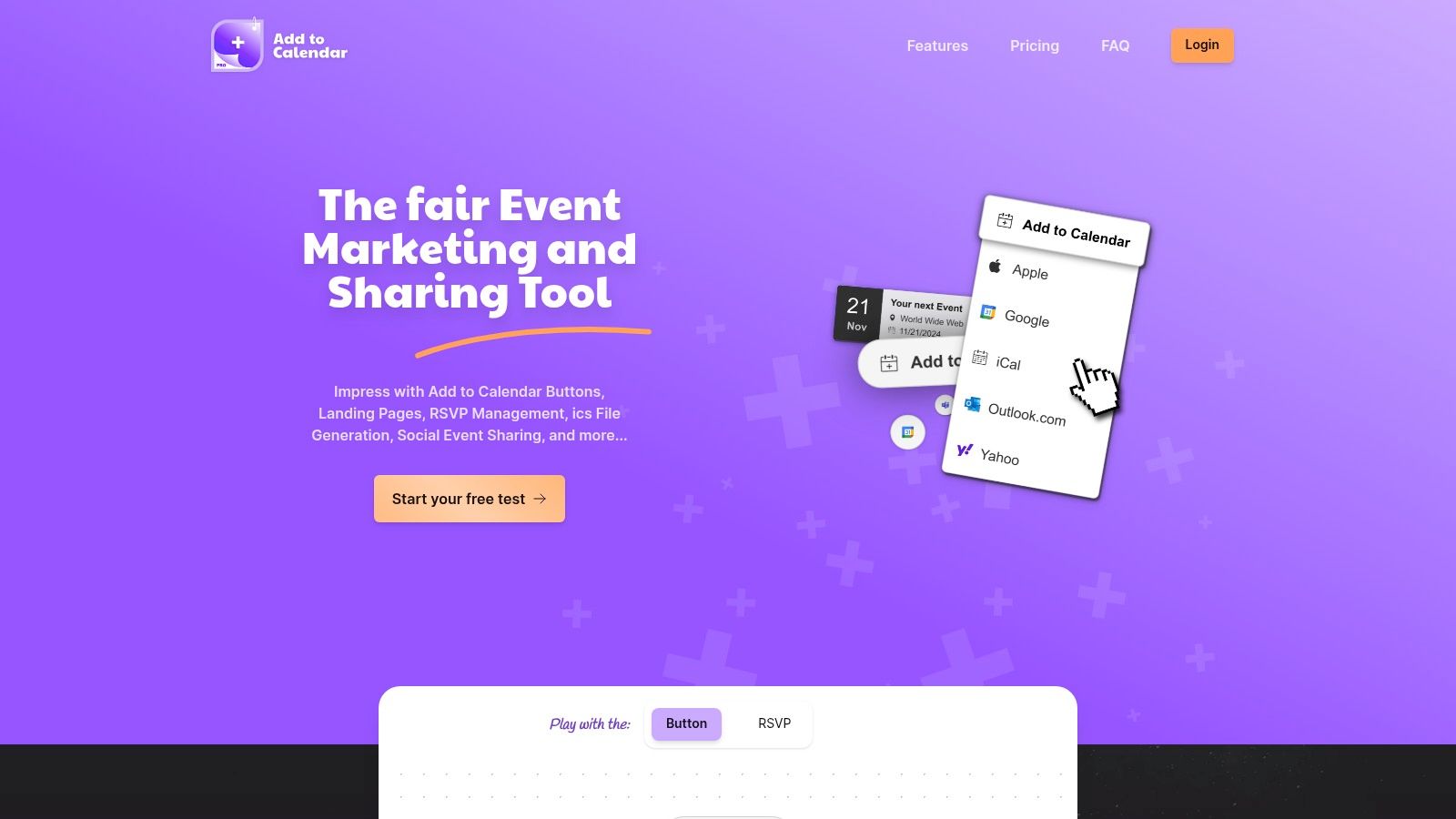
Add to Calendar PRO stands out as a comprehensive and powerful platform for event marketing, sharing, and automation. It moves far beyond a simple "add to calendar" button, offering a robust suite of tools designed to streamline the entire event lifecycle from promotion to post-event follow-up. This platform is a cornerstone for creating sophisticated workflow automation examples that save time and enhance attendee engagement.
Its core strength lies in its seamless integration and intelligent automation. The lightweight buttons are incredibly easy to implement on any website, automatically handling complex timezone and daylight-saving adjustments to prevent attendee confusion. This foundational feature ensures a frictionless user experience, which is critical for maximizing event registrations and attendance.
Why It Excels for Workflow Automation
Add to Calendar PRO is engineered for automation, making it an ideal hub for event-driven workflows. Its built-in RSVP management system is a significant advantage, featuring customizable forms and a secure, GDPR-compliant double opt-in process. This ensures high-quality, consent-driven data collection that can trigger a cascade of automated actions.
Strategic Insight: The platform's ability to connect event registration (RSVP) directly to other marketing tools via webhooks and Zapier integrations is its most powerful feature. This turns a simple sign-up into the starting point for complex, automated communication and management sequences.
The platform's deep integration capabilities are a key differentiator. With robust support for APIs, webhooks, and popular automation services like Zapier, Make, and n8n, it can be connected to virtually any CRM, email marketing platform, or project management tool. This connectivity allows for the creation of truly powerful and customized automation flows. For a deeper dive into this, you can explore their detailed guide on API integration best practices from Add to Calendar PRO.
Key Strengths & Unique Offerings
- Effortless Integration: Lightweight buttons handle timezones and daylight saving automatically.
- Built-in RSVP Management: Secure, GDPR-compliant forms with double opt-in create a reliable data source for automation.
- SEO-Optimized Event Pages: Automatically generated landing pages with Schema.org data boost organic visibility.
- No-Code Customization: An intuitive web app empowers marketers to customize everything without developer assistance.
- Developer-Friendly: Robust APIs and webhooks provide full control for technical teams building custom solutions.
2. ClickUp
ClickUp positions itself as the "one app to replace them all," and for teams managing complex event workflows, this isn't far from the truth. It's a powerhouse project management tool that deeply integrates workflow automation, allowing event marketers and planners to consolidate task management, communication, and process automation into a single, unified workspace. This consolidation is its key differentiator; instead of duct-taping multiple apps together, teams can build and automate their entire event lifecycle within ClickUp.
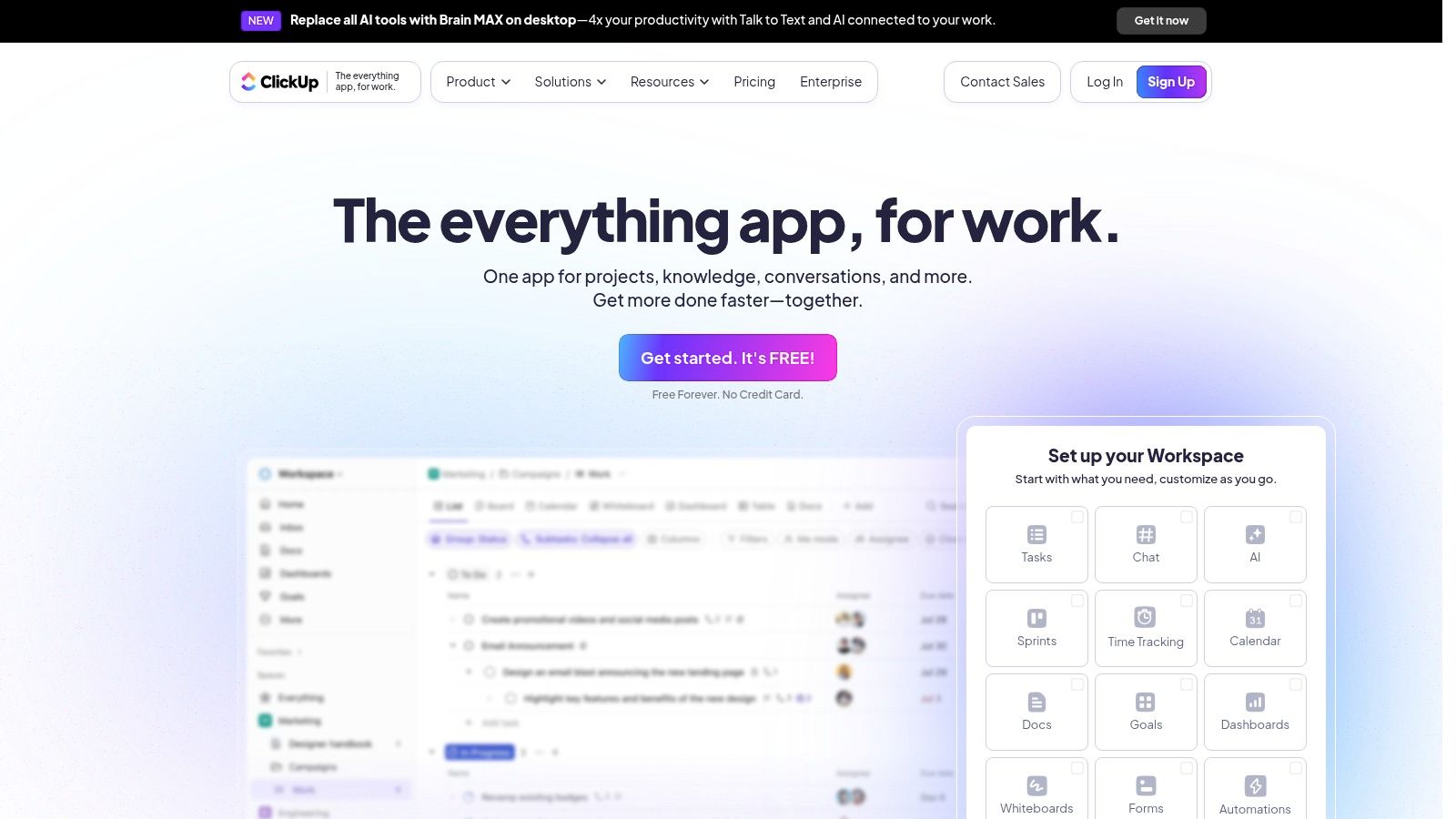
The platform stands out with its highly visual and customizable automation builder. Users can create "if this, then that" rules without any code. For event teams, this translates into powerful, real-world applications. Imagine automatically assigning a task to your social media manager whenever a new "Promotional Asset Request" task is created, or changing a task's status to "Ready for Review" when a designer attaches a file. These small, automated steps eliminate manual handoffs and reduce the risk of details falling through the cracks.
Strategic Analysis: Automating Event Production
One of the most potent workflow automation examples in ClickUp involves managing event speaker onboarding. You can create a task template for each speaker with a checklist of required items: headshot, bio, presentation slides, and signed agreement.
Key Strategy: Use Custom Fields and Automations to create a self-updating speaker management dashboard. A "Submission Status" custom field (e.g., Pending, Submitted, Approved) can trigger automations. When a speaker's task status is changed to "Submitted," an automation can notify the content review team. Once they change the status to "Approved," another automation can move the task to a "Confirmed Speakers" list.
This creates a transparent, automated pipeline that provides an at-a-glance overview of your speaker readiness, reducing administrative overhead and ensuring no speaker is left behind.
Access and Pricing
ClickUp offers a tiered pricing model, making it accessible for various needs:
| Plan | Price (per member/month) | Key Automation Features |
|---|---|---|
| Free Forever | $0 | 100 Automations/month |
| Unlimited | $7 | 1,000 Automations/month |
| Business | $12 | 10,000 Automations/month, more conditions |
Pros:
- All-in-One Platform: Combines tasks, docs, chat, and goals.
- Deep Customization: Tailor statuses, fields, and views to your exact event workflow.
- Generous Free Plan: The free tier offers significant functionality for small teams or single events.
Cons:
- Learning Curve: The sheer number of features can be overwhelming for new users.
- Integration Limits: Some key integrations are reserved for paid plans.
For event professionals looking to centralize operations and implement granular process improvements, ClickUp provides an exceptionally robust toolkit.
Website: https://clickup.com/
3. Zapier
Zapier is the universal translator for the web, acting as a powerful automation engine that connects thousands of disparate apps. For event marketing, its strength lies in creating seamless data flows between the specialized tools you already use, eliminating manual data entry and connecting every stage of the attendee journey. Instead of being an all-in-one platform, Zapier is the glue that binds your best-in-class apps, from registration platforms to CRMs and communication tools.
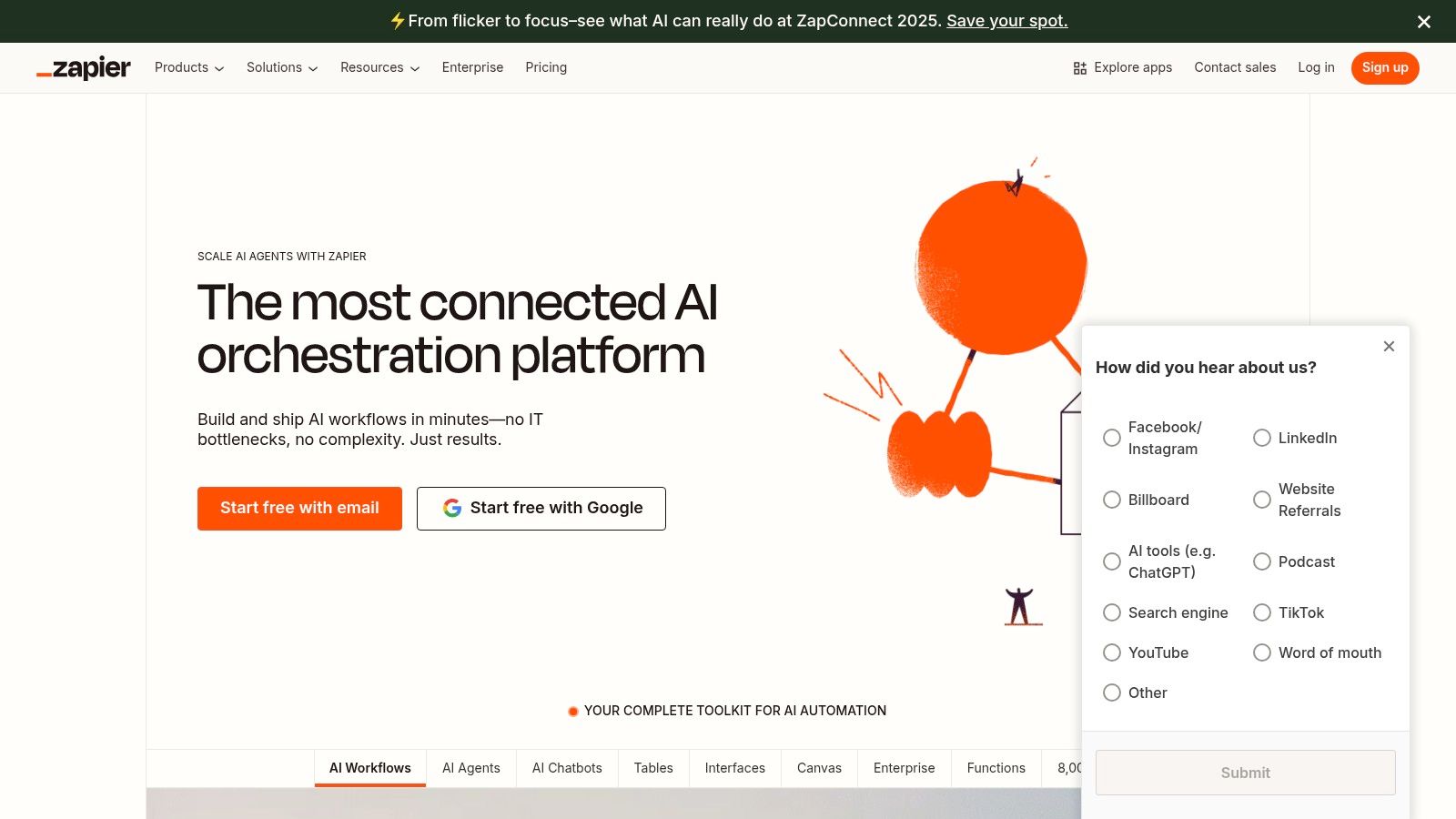
The platform is renowned for its simple, "if this, then that" workflow builder, called a "Zap." This user-friendly interface allows non-technical users to build sophisticated, multi-step automations with conditional logic. For an event professional, this means when a new attendee registers on Eventbrite (the "trigger"), you can automatically add them to a Mailchimp audience, create a new lead in Salesforce, and send a personalized welcome message via Gmail (the "actions"). This level of integration makes it one of the most versatile workflow automation examples available.
Strategic Analysis: Integrating the Event Tech Stack
A highly effective use of Zapier is creating a unified attendee communications workflow that syncs registration data with personalized follow-ups. You can set up a Zap that triggers every time a new attendee is added to your event registration platform (e.g., Eventbrite, Luma). This action can initiate a sequence of automated tasks across different applications.
Key Strategy: Use a multi-step Zap to enrich attendee profiles and trigger personalized outreach. When a new registration occurs, automatically create or update a contact in your CRM (like HubSpot), then use Zapier's "Filter" step to check if the attendee is a VIP or a first-time registrant. Based on the filter, send them to a specific email nurture sequence in ActiveCampaign and simultaneously send a Slack notification to the event manager for high-value attendees.
This strategy transforms a simple registration into a rich data point that powers a fully automated and personalized engagement engine, ensuring no attendee feels like just another number. If you're looking for more ways to integrate tools like this, you can learn more about event marketing automation on add-to-calendar-pro.com.
Access and Pricing
Zapier's pricing is based on the number of tasks and the complexity of your Zaps:
| Plan | Price (per month, billed annually) | Key Automation Features |
|---|---|---|
| Free | $0 | 5 Zaps, 100 tasks/month, Single-step Zaps |
| Starter | $19.99 | 20 Zaps, 750 tasks/month, Multi-step Zaps |
| Professional | $49 | Unlimited Zaps, 2,000 tasks/month, Conditional logic |
Pros:
- Extensive App Library: Connects with over 5,000 applications, making it incredibly versatile.
- No-Code Builder: Extremely easy to set up powerful workflows without any programming knowledge.
- Flexible and Scalable: Zaps can be as simple or complex as your event needs require.
Cons:
- Cost Can Escalate: Pricing is tied to task volume, which can become expensive for high-traffic events.
- Complexity Requires Planning: Advanced workflows with multiple paths and filters require careful planning to function correctly.
Zapier is indispensable for event teams that want to integrate their existing tools to create a cohesive, automated ecosystem.
Website: https://zapier.com/
4. Kissflow
Kissflow is a powerful low-code platform that empowers businesses to design, manage, and optimize their own processes without deep technical expertise. It’s built for operational efficiency, providing a visual, drag-and-drop environment where teams can map out their exact workflows. For event management, Kissflow’s strength lies in its ability to formalize and automate complex, multi-step processes like vendor procurement or budget approvals, which often involve multiple departments and stringent compliance checks.
The platform stands out by focusing on process management rather than just task management. Its customizable forms and real-time analytics allow event organizers to not only automate tasks but also to track the performance of the entire workflow. Users can create sophisticated conditional logic, ensuring that a specific process, like a large sponsorship contract, automatically routes to the legal team for review before proceeding to finance for payment. This structured approach minimizes bottlenecks and enhances accountability across the board.
Strategic Analysis: Automating Event Procurement
One of the most practical workflow automation examples within Kissflow is streamlining the entire vendor and supplier procurement process for a large-scale event. You can design a flow that begins when a team member submits a "New Vendor Request" form, complete with fields for vendor details, service quotes, and justification.
Key Strategy: Build a multi-stage approval workflow that changes based on the contract value. For instance, requests under $1,000 might go directly to the event manager for approval, while requests over $10,000 automatically trigger a parallel approval step for both the finance head and the event director.
This system creates a transparent, auditable trail for all expenditures. Once a vendor is approved, an automation can trigger the creation of a purchase order and notify the accounts payable team, ensuring vendors are onboarded and paid on time, every time, without manual follow-ups.
Access and Pricing
Kissflow provides several plans tailored to different business sizes and process complexity:
| Plan | Price (per user/month) | Key Automation Features |
|---|---|---|
| Small Business | Starts at $18 | 100 Process & Board Workflows, 500 API calls/day |
| Corporate | Starts at $20 | 250 Process & Board Workflows, 2,000 API calls/day |
| Enterprise | Custom Pricing | Unlimited Workflows, Advanced Security & Support |
Pros:
- User-Friendly: The drag-and-drop builder is highly intuitive for non-technical users.
- Rapid Deployment: Pre-built templates allow for the quick launch of common business processes.
- Scalability: The platform is robust enough to handle simple team tasks or complex enterprise-wide operations.
Cons:
- Cost: Pricing can be a significant investment for smaller teams or individual event planners.
- Limited Customization: Lower-tier plans may have restrictions on deep customization and integrations.
For event teams that require formal, auditable, and highly structured process management, Kissflow offers a superb solution to enforce compliance and drive operational efficiency.
Website: https://kissflow.com/
5. Workato
Workato is an enterprise-grade automation platform designed to handle complex, multi-system workflows across an entire organization. For event marketing at scale, especially within large companies, Workato acts as the central nervous system connecting disparate applications like Salesforce, Marketo, and event management platforms. Its key differentiator is its enterprise-first approach, offering robust security, governance, and AI-powered "recipes" (pre-built workflows) that can orchestrate sophisticated processes without deep coding knowledge.
The platform excels at connecting cloud apps with on-premise systems, a common challenge in corporate environments. For event teams, this means you can build automations that are triggered by actions in your CRM, update financial records in your ERP, and send communications through your marketing automation tool, all in one seamless flow. This ability to bridge departmental silos makes it incredibly powerful for automating the full lead-to-revenue lifecycle for major conferences and trade shows.
Strategic Analysis: Automating Post-Event Lead Nurturing
One of the most valuable workflow automation examples using Workato is creating a sophisticated post-event lead follow-up sequence. After a major conference, leads collected from badge scans, booth visits, and session attendance need to be segmented and nurtured differently based on their engagement level and sales-readiness.
Key Strategy: Build a "recipe" that connects your event management app (e.g., Cvent) with your CRM (e.g., Salesforce) and marketing platform (e.g., Marketo). The recipe can automatically score leads based on custom criteria: +10 points for a booth visit, +20 for a demo request, +5 for session attendance. Based on this score, the automation can assign the lead to the correct sales rep in Salesforce and enroll them in a specific, hyper-targeted email nurture campaign in Marketo.
This advanced segmentation ensures that hot leads are contacted immediately by sales, while cooler leads receive relevant content to warm them up, maximizing event ROI and demonstrating clear marketing-influenced revenue.
Access and Pricing
Workato's pricing is customized for enterprise needs and is not publicly listed with fixed tiers.
| Plan | Price (per member/month) | Key Automation Features |
|---|---|---|
| Custom Pricing | Contact Sales | Unlimited recipes and connections |
| Custom Pricing | Contact Sales | Enterprise-grade security, real-time monitoring |
| Custom Pricing | Contact Sales | AI-powered automation, dedicated support |
Pros:
- Extensive Integration Capabilities: Connects thousands of enterprise and cloud applications.
- Scalable for Large Organizations: Built to handle high-volume, complex corporate workflows.
- Advanced Features: Offers AI, robust security, and compliance features for demanding environments.
Cons:
- High Cost: Pricing structure is aimed at enterprises and can be prohibitive for smaller businesses.
- Performance Issues: Some users report occasional latency with very complex recipes.
For large-scale event operations embedded within a corporate structure, Workato provides the power and security needed to automate critical business processes. You can learn more about how Workato compares to other integration platforms like Make.
Website: https://www.workato.com/
6. monday.com
monday.com presents itself as a "Work OS," a flexible platform designed to let teams build custom workflow apps. For event management, its strength lies in its visually intuitive interface and powerful, recipe-based automations that simplify complex processes. Unlike more rigid project management tools, monday.com’s colorful, board-centric layout provides an at-a-glance understanding of event progress, from vendor management to attendee communication, making it highly accessible for non-technical teams.
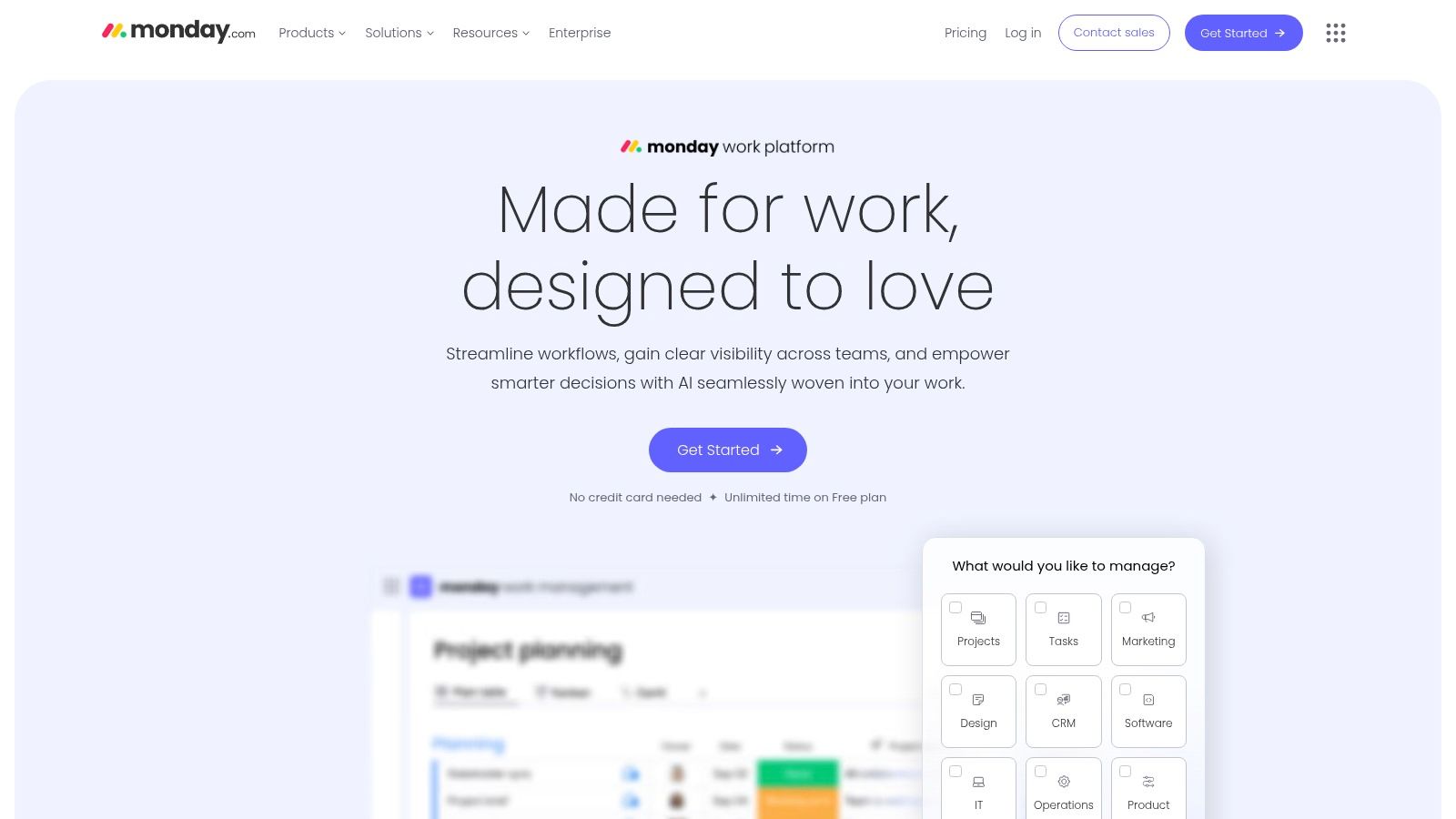
The platform's standout feature is its "Automation Recipes." These are pre-built, plain-language triggers and actions that users can combine to automate workflows without any code. For instance, an event team can set up a rule like: "When a vendor's status changes to 'Contract Signed', create an item in the 'Payments' board and notify the finance lead." This approach democratizes automation, allowing any team member to streamline their repetitive tasks and focus on more strategic event planning activities.
Strategic Analysis: Automating Post-Event Follow-Up
One of the most valuable workflow automation examples on monday.com is managing post-event engagement. You can create a board to track every attendee, with columns for their contact information, session attendance, and engagement level (e.g., asked a question, visited a booth).
Key Strategy: Use time-based and status-based automations to create a personalized follow-up sequence. A recipe can be set to "Two days after the event, if an attendee's status is 'Attended', send a customized thank-you email." Another automation could trigger if an attendee visited the "Sponsor Booth," notifying a sales team member to initiate a personalized outreach.
This automated system ensures timely and relevant communication, maximizing lead conversion and attendee satisfaction without manual intervention from the event team.
Access and Pricing
monday.com's pricing is structured to accommodate teams of different sizes, with automation capabilities scaling up with each plan.
| Plan | Price (per user/month) | Key Automation Features |
|---|---|---|
| Free | $0 | Limited boards and items, no automations |
| Basic | $9 | 250 automation actions/month |
| Standard | $12 | 250 automation & integration actions/month |
| Pro | $19 | 25,000 automation & integration actions/month |
Pros:
- User-Friendly Interface: Highly visual and intuitive, making it easy to adopt.
- Extreme Flexibility: Customizable boards can be adapted to nearly any event workflow.
- Strong Collaboration: Built-in tools for file sharing and communication keep teams aligned.
Cons:
- Limited Lower-Tier Plans: Meaningful automation and integration features require Standard or Pro plans.
- Per-User Pricing: Costs can become significant for larger event teams.
For event teams that prioritize visual planning and want an easy-to-implement automation system, monday.com offers a powerful and highly adaptable solution.
Website: https://monday.com/
7. Nintex
Nintex is an enterprise-grade workflow automation software designed to transform complex, cross-departmental business processes into streamlined digital workflows. For event teams operating within large organizations, Nintex excels at managing processes that require rigorous compliance, approvals, and document management. Its key differentiator is its deep integration with enterprise systems like SharePoint and Salesforce, allowing it to automate processes that span the entire organization, from legal to finance.
The platform offers a sophisticated drag-and-drop workflow designer, enabling users to map and automate intricate procedures without extensive coding knowledge. For event professionals, this is particularly useful for high-stakes processes like vendor procurement or sponsorship contract approvals. It allows for the creation of robust workflow automation examples that ensure every step is documented, every stakeholder provides sign-off, and all compliance requirements are met automatically.
Strategic Analysis: Automating Event Sponsorship and Compliance
A powerful application for Nintex in the event space is automating the end-to-end sponsorship contract lifecycle. This process often involves legal, finance, and marketing teams, creating significant potential for bottlenecks.
Key Strategy: Utilize Nintex's document generation and e-signature capabilities to build a fully automated contract pipeline. The workflow can be triggered when a sales rep marks a sponsorship deal as "Closed-Won" in Salesforce. Nintex then automatically generates the appropriate contract using a pre-approved template, routes it internally for approval, and sends it to the sponsor for an e-signature.
Once signed, the workflow can automatically create an invoice record in the finance system and provision the sponsor’s access in the event platform. This creates a secure, auditable, and highly efficient process that accelerates revenue collection and ensures compliance.
Access and Pricing
Nintex has a complex, quote-based pricing model tailored to enterprise requirements. It is not typically structured with simple public tiers.
| Plan | Price | Key Automation Features |
|---|---|---|
| Standard | Custom Quote | Core workflow and forms |
| Enterprise | Custom Quote | Advanced features like RPA, process analytics |
Pros:
- Enterprise-Grade Security: Robust features for compliance and governance, crucial for corporate events.
- Strong Integration: Seamless connection with the Microsoft ecosystem, Salesforce, and other enterprise platforms.
- Comprehensive Automation: Includes document generation, e-signatures, and robotic process automation (RPA).
Cons:
- Steep Learning Curve: Advanced features can be complex to master without dedicated training.
- Complex Pricing: The quote-based model can be a barrier for smaller teams and lacks transparency.
For large-scale corporate event teams needing to automate complex, high-compliance processes, Nintex provides an unparalleled and secure automation engine.
Website: https://www.nintex.com/
Workflow Automation Tools Feature Comparison
| Product | Implementation Complexity 🔄 | Resource Requirements ⚡ | Expected Outcomes 📊 | Ideal Use Cases 💡 | Key Advantages ⭐ |
|---|---|---|---|---|---|
| Add to Calendar PRO | Low – no-code customization, APIs available | Moderate – depends on event volume | Seamless event marketing, timezone-safe calendar adds | Event marketers, corporate organizers, developers | Easy integration, GDPR compliance, SEO-optimized pages |
| ClickUp | Medium – customizable workflows, some learning curve | Moderate – team collaboration and automation | Streamlined project management and team collaboration | Teams of all sizes needing PM and automation | Intuitive UI, extensive customization, free plan |
| Zapier | Low to Medium – no code, complex workflows possible | Low to Moderate – depends on task volume | Automated, multi-app workflows with conditional logic | Users needing app integrations and workflow automation | Massive integrations, scalable, no coding needed |
| Kissflow | Low – drag-and-drop, no coding needed | Moderate – business workflows | Quick deployment of business workflows, scalable | Non-technical users and SMBs | User-friendly, scalable, quick workflow deployment |
| Workato | High – enterprise-grade, advanced features | High – designed for large orgs | Complex, secure, AI-enhanced automation across systems | Large organizations needing advanced automation | AI-powered workflows, extensive integrations, security |
| monday.com | Medium – visual customization, workflow recipes | Moderate – teamwork and project tracking | Efficient project execution with automation and collaboration | Teams needing work OS with project and automation | Visually appealing UI, flexible, strong collaboration |
| Nintex | High – enterprise focus, steep learning curve | High – advanced integrations | Streamlined, compliant process automation for enterprises | Large enterprises with complex process needs | Highly customizable, strong integrations, compliance |
From Examples to Execution: Your Next Steps in Automation
Throughout this guide, we've navigated a diverse landscape of powerful workflow automation examples. We have seen how tools like Add to Calendar PRO can revolutionize event marketing and how platforms like Zapier and Workato can serve as the connective tissue for your entire tech stack. We've also explored how project management hubs such as ClickUp and monday.com, alongside process management systems like Kissflow and Nintex, bring order and efficiency to complex internal operations.
The core lesson from these examples is that modern automation is not a monolithic, complex beast. Instead, it is a flexible, accessible strategy that any organization, regardless of size or industry, can implement to achieve significant gains. The most successful implementations begin not with a complete operational overhaul, but with a single, focused objective.
Distilling the Core Strategy
The journey from manual processes to automated workflows hinges on a simple, repeatable formula: identify, strategize, and execute. This approach ensures you invest your resources where they will have the most immediate and substantial impact.
- Identify the Bottleneck: Where does work stall? Is it in following up with webinar registrants, managing content approvals, or onboarding new team members? Pinpoint the single most frustrating, repetitive, or error-prone task in your current system.
- Strategize Your Solution: Look back at the workflow automation examples we covered. Which tool or combination of tools best addresses your specific bottleneck? If you're losing event attendees, an Add to Calendar PRO and Zapier integration is a powerful starting point. If internal projects are chaotic, a system built on ClickUp or monday.com is more appropriate.
- Execute and Iterate: Build your first simple workflow. Don’t aim for perfection on day one. Launch the automation, monitor its performance, and gather feedback. The initial insights you gain will be invaluable as you refine the process and identify new opportunities for automation.
Choosing Your First Automation Project
To make your first step a confident one, consider these factors when selecting a process to automate:
- High Volume & Repetitive: Choose tasks that occur frequently and require little to no creative judgment, such as sending confirmation emails or creating tasks from form submissions.
- Prone to Human Error: Automate processes where a small mistake, like a typo in a date or a missed follow-up, can have significant negative consequences.
- Critical for Customer Experience: Focus on touchpoints that directly impact your audience, such as event reminders or support ticket routing. Improving these areas delivers immediate, tangible value.
By starting small and demonstrating a quick win, you build momentum and gain the confidence to tackle more complex automation challenges. The power of these tools lies in their scalability. What begins as a simple trigger-and-action sequence can evolve into a sophisticated, multi-app workflow that becomes the backbone of your operational efficiency. You now have the blueprint; the next step is to build.
Ready to eliminate no-shows and streamline your event marketing? The workflow automation examples for event management highlighted in this article often start with a reliable calendar connection. Add to Calendar PRO makes it effortless for your audience to save your event dates, forming the perfect foundation for your automated reminder and follow-up sequences. Explore how you can boost attendance and engagement by visiting Add to Calendar PRO today.